AIR Control software
Dynaudio Professional AIR reference manual – 2014-09-28 81
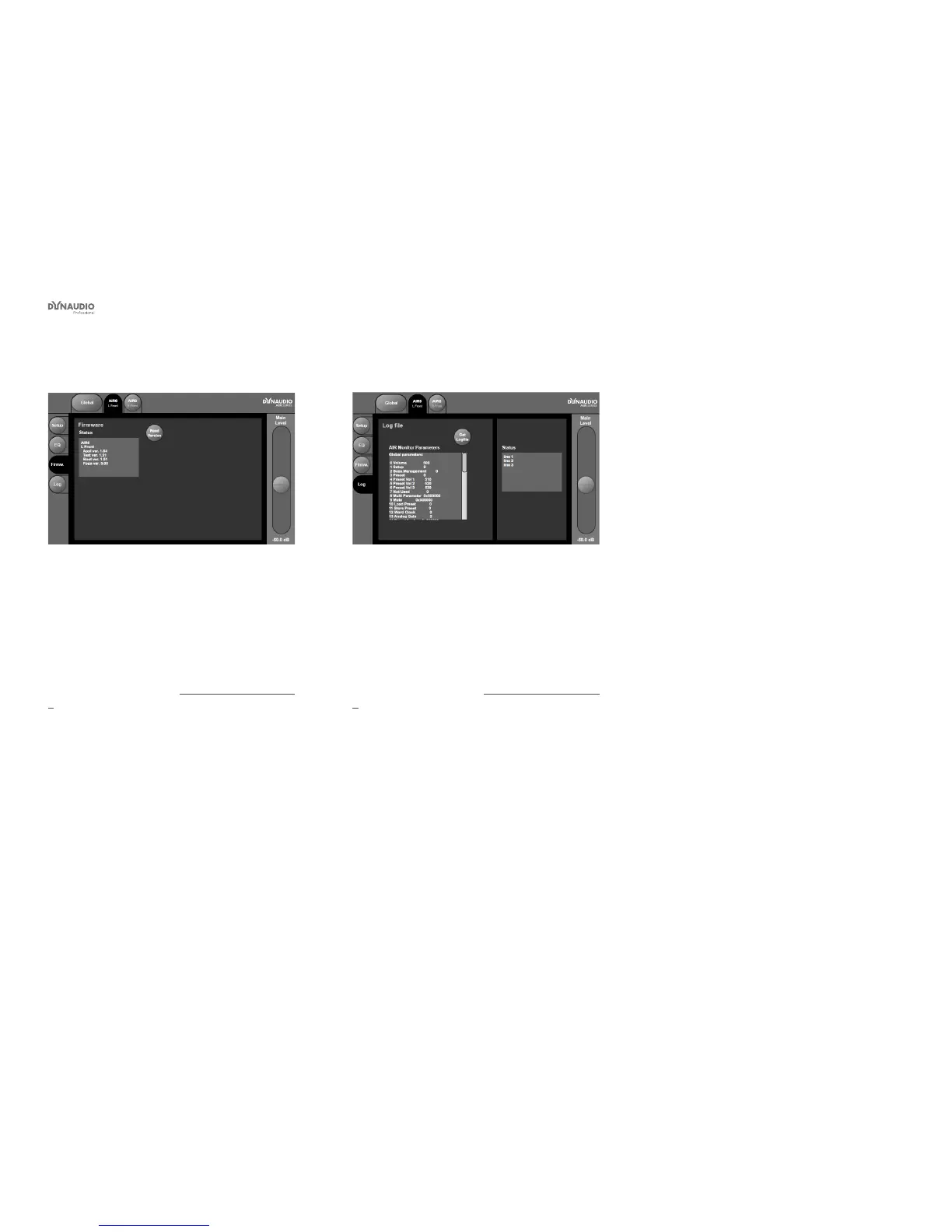
Monitor Firmware page
Fig. 52: AIR Control software – Monitor rmware page
Use the Firmware page to access rmware information
for the currently selected monitor.
►
Click the Read Version button to retrieve rmware
version information from the selected monitor.
If you encounter problems with an AIR monitor and
need to contact support (see “Getting support” on page
5), you should have this information ready.
Monitor Log page
Fig. 53: AIR Control software – Monitor Log page
Use the Monitor Log page to retrieve a log le showing
the current settings for the selected monitor.
►
Click the Get Logle button for a full list of all AIR
Monitor parameters.
If you encounter problems with an AIR monitor and
need to contact support (see “Getting support” on page
5), you should have this information ready.



 To Next Page