35
Action
On/Off switch
Volume control
Switching between
the signal inputs
Control of the treble
contents
Button(s)
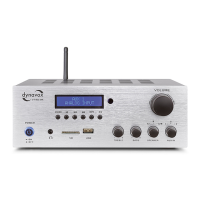
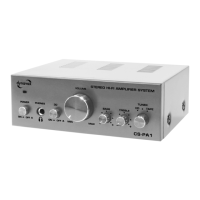
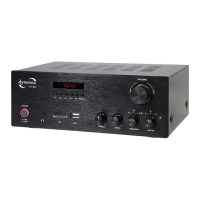
POWER (1)
Volume (2)
MODE (3)
TREBLE (4)
Instruction
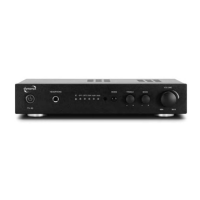
The device is switched on and off at the front oft he device. If the
switch is in the off position, the unit is disconnected from the power
supply. When switched on, the LED in the power switch lights up.
Turn the “VOLUME” knob clockwise to increase the volume and
counter clockwise to decrease the volume. The volume adjustment
affects the signal level of the speaker terminals (11), the headphones
(6), and the pre-amplified "Output SW" signal output (10). The volu-
me can also be adjusted using the supplied remote control. Press
the "VOL+" button to increase the volume and the "Vol-" button to
decrease it.
A short press switches between the playback options BT, OPT1,
OPT2, COX, AUX1 and AUX2.
Use the "TREBLE" knob on the front panel to adjust the amount of
high-pitched sounds in the sound image. Turning the knob clockwise
OPERATING THE DEVICE


 To Next Page