8
DX-E102
Understanding indicators
Your adapter has a indicator or light that can give you information about your network traffic
and help you determine problems when troubleshooting.
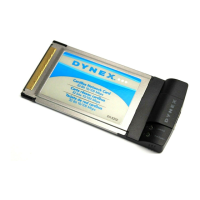
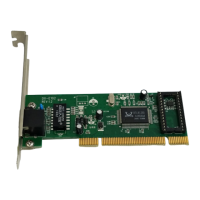
Your adapter has one indicator labeled ACT/LINK on its back panel. A steady green light
indicates a good connection. A flashing green light indicates that the network adapter is
sending or receiving data.
Pinging your adapter
PING is the acronym for Packet Internet Groper (PING), a utility to determine if a specific IP
address is accessible. It works by sending a packet to the specified address and waiting for a
reply. Ping is primarily used to troubleshoot Internet connections. By sending out a ping, you
are verifying that a specific computer is available. Because all computers on the network
must have a unique IP address, a reply means that a computer is on the network and that it
can communicate.
If the computers can communicate, the hardware and cabling are probably okay. If you
cannot ping another computer, there is probably a problem with the hardware. Check the
cabling and adapter installation. If you are unable to network, even when you receive a reply
to your ping, there is probably a software configuration issue. Verify that all the settings are
correct.
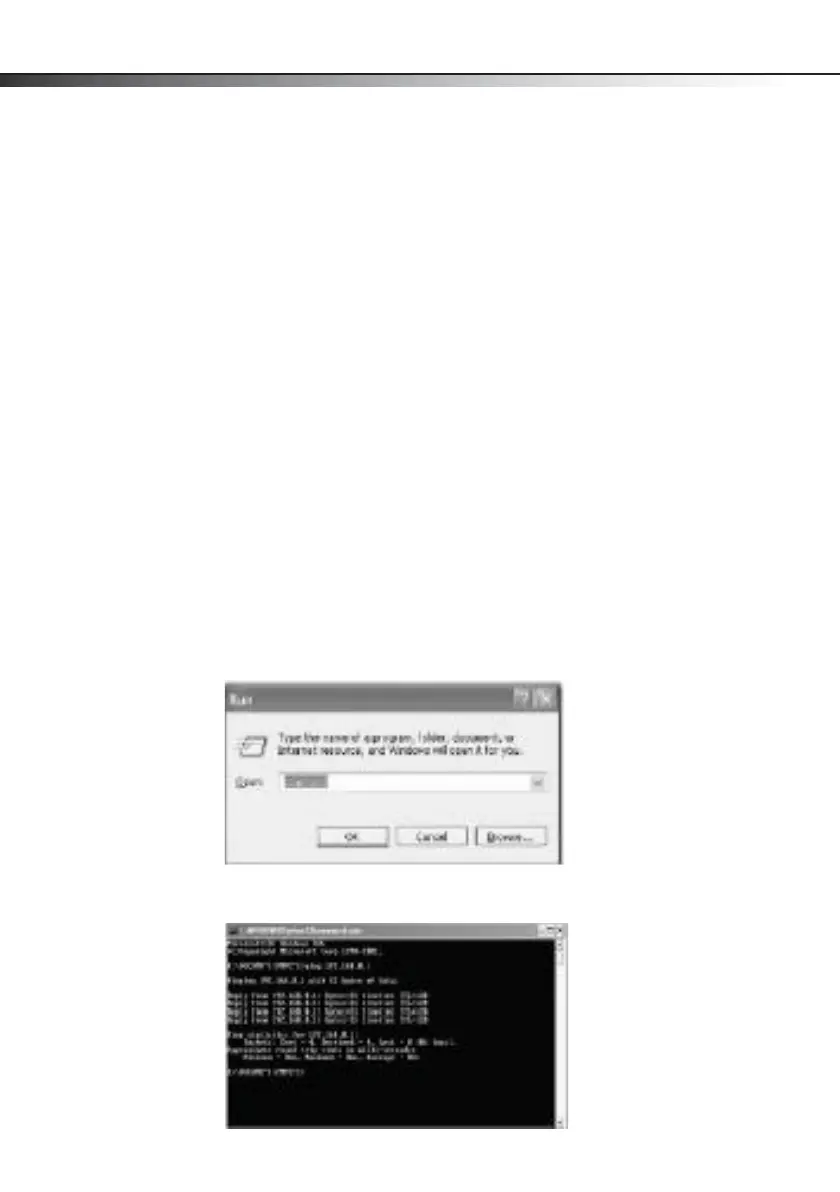
To ping the adapter:
1 Click Start, then click Run. The Run dialog box opens.
2 Type cmd in the Open box, then click OK. The command window opens.
DX-E102-ENG.fm Page 8 Tuesday, October 20, 2009 7:43 PM


 To Next Page