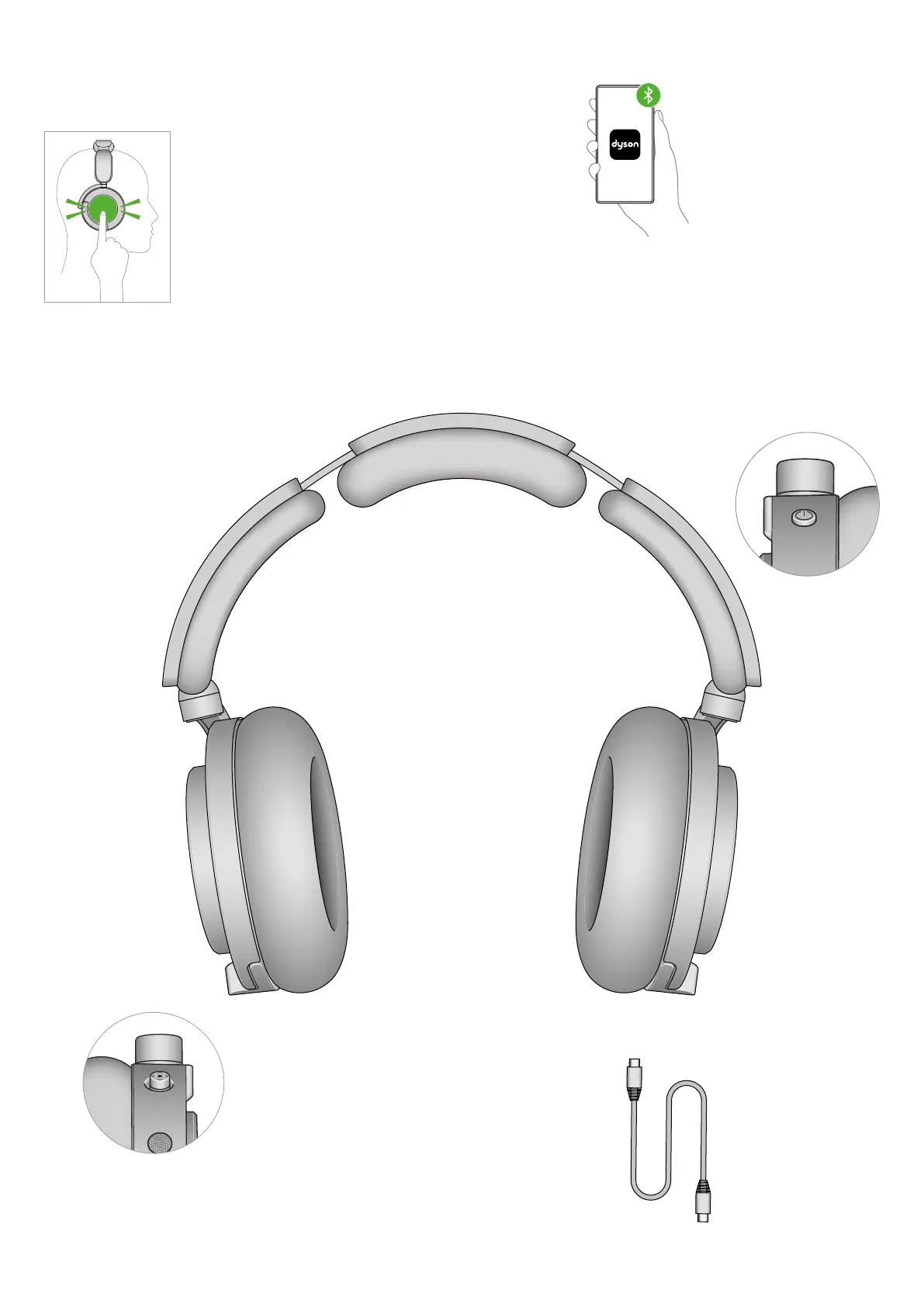
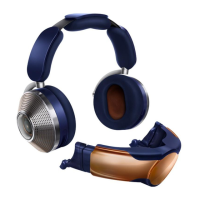
Get to know your headphones
Active noise cancellation
To switch between modes,
double tap either ear cup.
Autopause/Play
Your headphones will
automatically pause
your audio when you
take them off, and
automatically play your
audio when you put
them back on.
Battery-saving
head detect
After 30 minutes
of inactivity your
headphones will
automatically turn
off to save battery.
To turn them back
on, hold the power
button down for
2 seconds.
Download the MyDyson™ app
See sound and air quality reports for
your location, in real time. And adjust
EQ modes to optimise your listening.
Joystick
Lets you control music, adjust volume
and access your voice assistant – on
the back of your right ear cup.
Power button
Turn your headphones on and off,
and connect to a Bluetooth
®
wireless
technology device. Hold for two seconds
to turn on or off, and five seconds to pair.
Ergonomic ear cup
Angled at minus 13°
and oval-shaped to sit
over the ear.
Adjust your headphones
Put your headphones on.
Adjust the headband, sliding both
sides until you have a comfortable fit.
USB-C charger
Charge your headphones
using the USB-C Cable.


 To Next Page