Turning on and pairing
your headphones
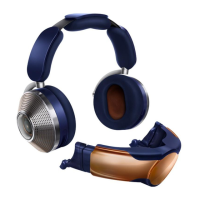
Press and hold the Power button
After two seconds, the LED light will turn white to
show that your headphones are on.
Pairing your headphones is easiest with the
M yDy s on™ ap p.
Connecting to the MyDyson™ app
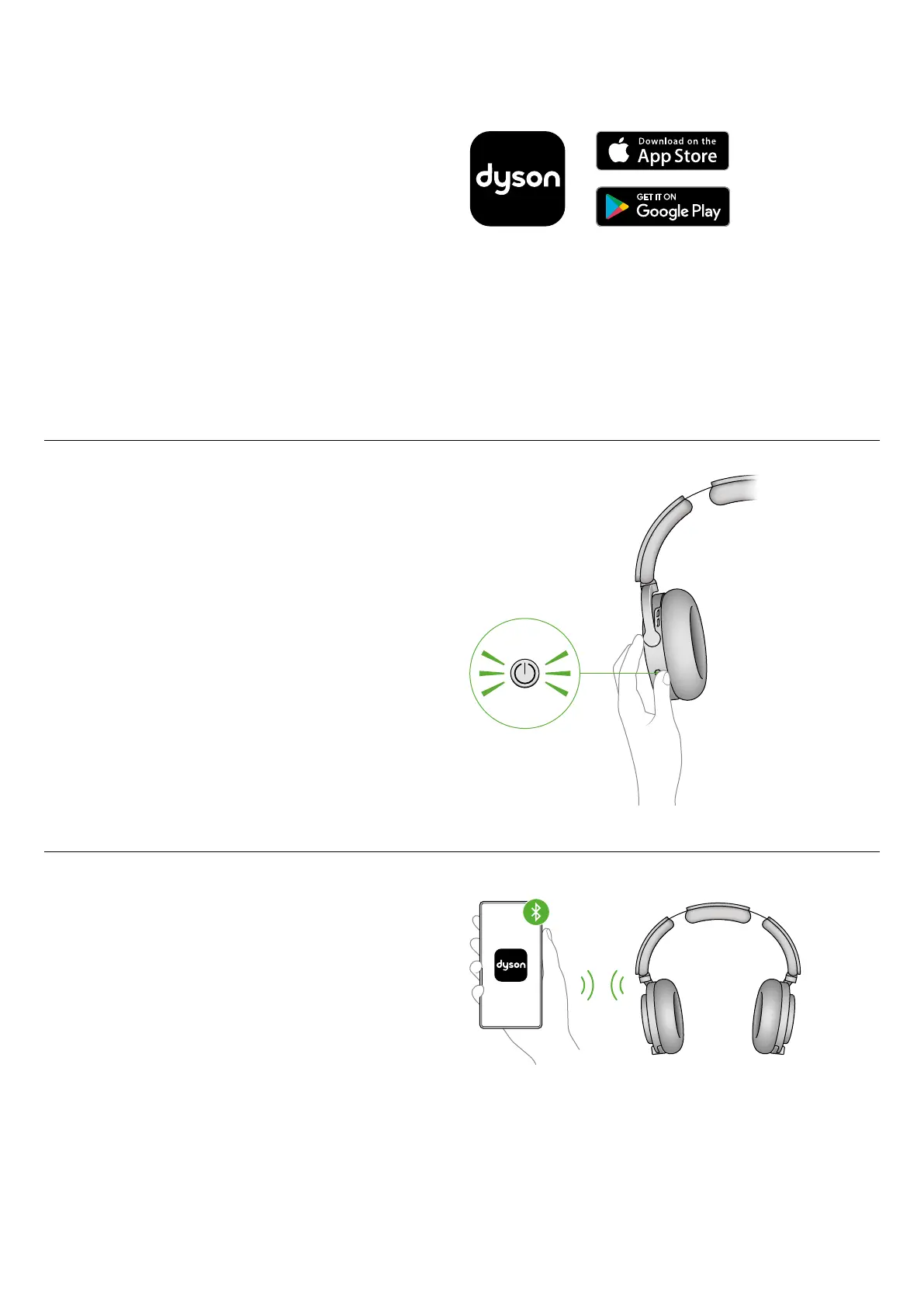
Download the MyDyson™ app from the App Store
or Google Play. Open the app and follow the
on-screen instructions to create a new account.
If you already have an account, select
‘Add machine’ and follow the instructions.
Apple and the Apple logo are trademarks of Apple Inc., registered
in the U.S. and other countries. App Store is a service mark of
Apple Inc., registered in the U.S. and other countries. Google Play
and the Google Play logo are trademarks of Google Inc.
1. The Bluetooth
®
word mark and logos are registered trademarks
owned by the Bluetooth SIG, Inc. and any use of such marks by
Dyson is under license.
Connect using Bluetooth
®
wireless technology
1
Press and hold the Power button for five seconds.
The LED will flash blue when in pairing mode.
Note: Before flashing blue, the LED will flash white
and you will hear an off tone, continue holding the
Power button through this.
Open Bluetooth
®
in your mobile device’s settings
menu. Check that Bluetooth
®
is turned on
and select ‘Audio OnTrac’ to connect to your
headphones.
Your MyDyson™ app will alert you when pairing
is complete.


 To Next Page