2
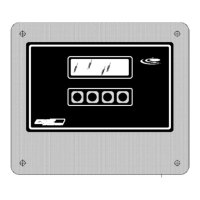
The RP-1000/1200 monitors a pH, ORP, or a fluoride probe and an optional
residual probe. Up to four set points (two for each input) are provided. An internal
scaled 4-20mA signal is provided for remote monitoring of the pH, ORP, or a fluoride
probe. A second analog output for remote monitoring of the residual is available as an
option.
PUSHBUTTON LEGEND SUMMARY
SET From the main operating screen, enter SETUP menus.
ESC Return to the last menu.
UP Increase a value (i.e., set point) or select the next parameter.
DWN Decrease a value (i.e., set point) or select the last parameter.
ADJ Adjust the value of the parameter displayed.
ALM Go to the alarm set point menu.
CAL Go to the calibration menu.
ACK Acknowledge the alarm condition(s).
CLEAR Temporarily clear the alarm condition(s).
x:y Set point x indicates a low or high set point (L or H), and y indicates the
relay number (1,2 or 3)
ZRO Enter the cell input zero menu.
SPAN Enter the cell span input set menu.
PO1 Calibrate the PO1.
4mA Set 4mA PO1 or PV1 point.
20mA Set 20mA PO1 or PV1 point.
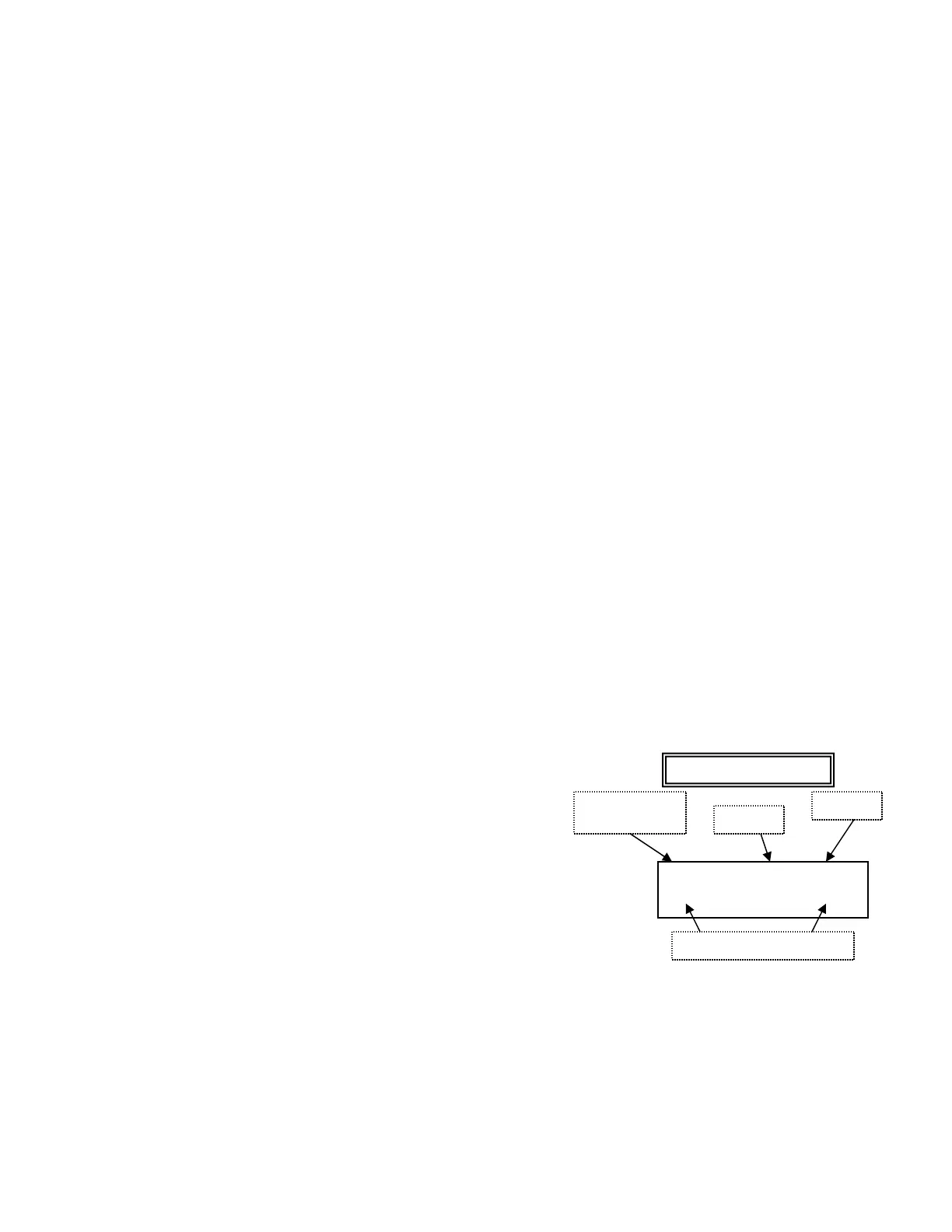
SCREENS
All screens other than the main operating
screens are formatted where the top line
displays a parameter name, value & units. The
bottom line displays a pushbutton legend to aid
in guiding one through the instrument setup and
operation.
LOW 5.00 ppm
UP| DWN| SET
VALUE
PARAMETER
NAME
PUSHBUTTON LEGEND
UNITS


 To Next Page