23
NOTE:
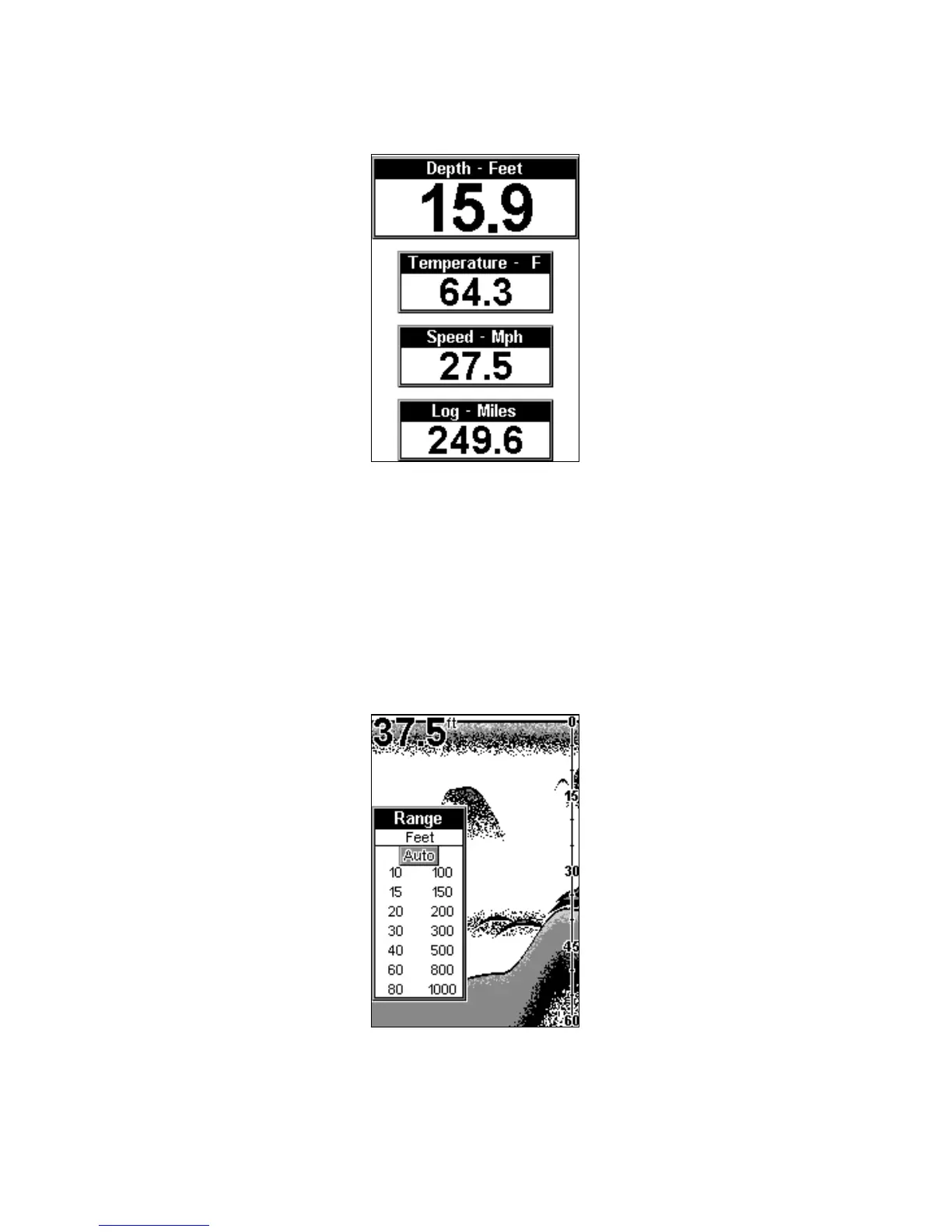
Temperature, speed, and distance require optional temperature or
speed sensors.
Large Digital page.
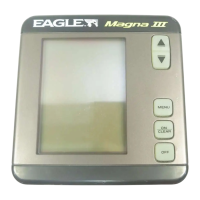
RANGE
When turned on for the first time, the unit automatically adjusts the
depth range according to water conditions. It always keeps the bottom
displayed in the lower portion of the screen. You can over-ride the
automatic range control and manually select a range.
To do this, press
MENU
until the
R
ANGE
menu appears. Use the arrow
keys to select the desired range. When you're finished, press
PWR
to
clear the menu from the display
Range Select menu.
This unit has the following ranges:
10, 15, 20, 30, 40, 60, 80, 100, 150, 200, 300, 500, 800 and 1,000 feet.


 To Next Page