40
TEMPERATURE UNITS OF MEASURE
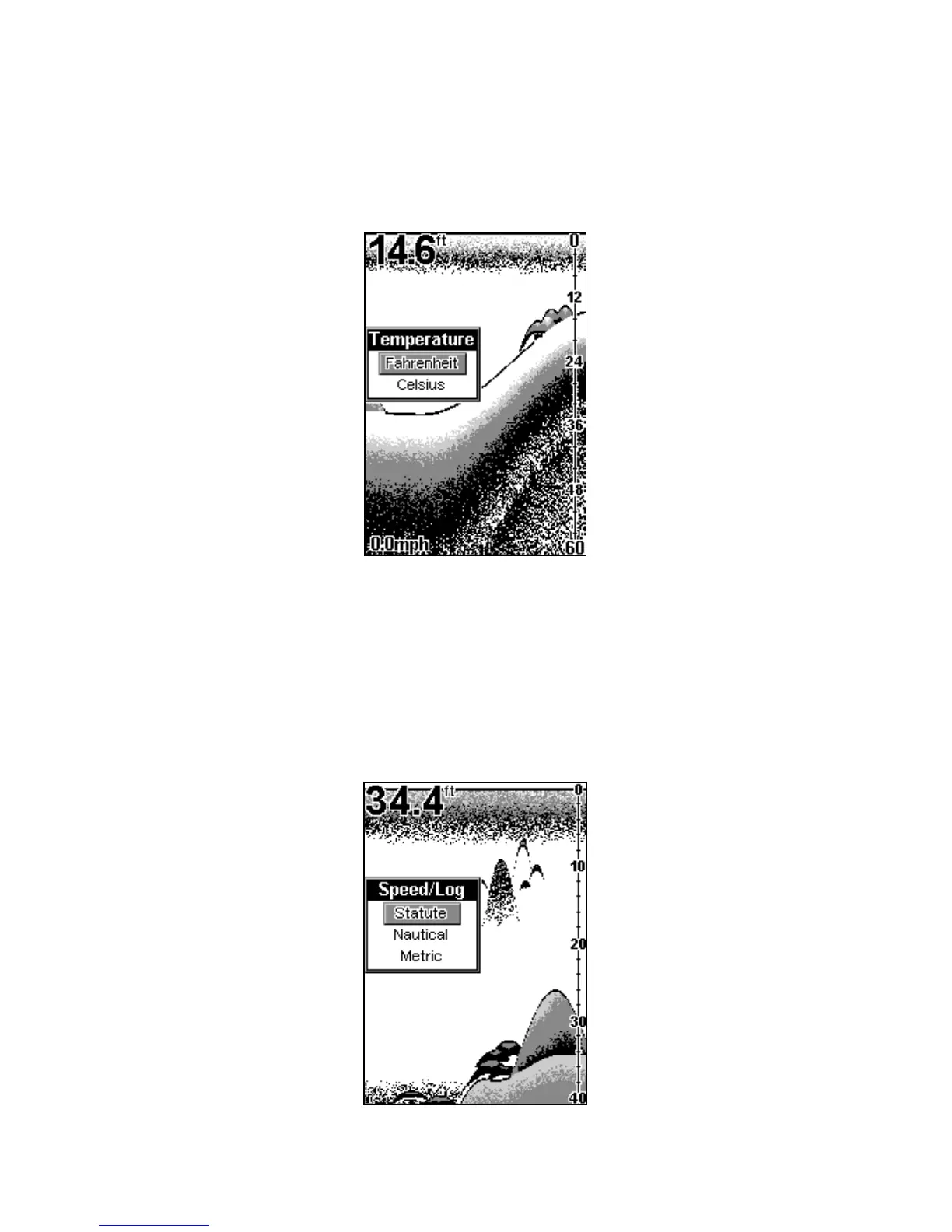
This unit can show the temperature (if a temperature sensor is attached)
in degrees Fahrenheit or Celsius. To change the unit of measure, press
MENU DOWN
until the
S
YSTEM
menu appears. Press
UP ARROW
, then
press
MENU
until the
T
EMPERATURE
menu appears. Use the arrow keys to
select the measurement unit, then press
PWR
to clear the menu.
Temperature unit of measure menu.
SPEED and DISTANCE LOG UNITS OF MEASURE
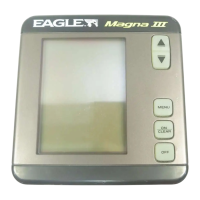
The speed and distance log can be displayed in statute miles (MPH),
Nautical miles (knots), or Metric (kilometers per hour) if a speed sensor
is attached. To change the unit of measure, press
MENU DOWN
until the
S
YSTEM
menu appears. Press
UP ARROW
, then press
MENU
until the
S
PEED
/L
OG
menu appears. Use the arrow keys to select the desired
measurement unit, then press
PWR
to clear the menu.
Speed menu.


 To Next Page