12
• Before starting the installation, ensure that all switches and MCB of the
PCU should be in the OFF position.
• Make a series connection of the battery as per PCU specification.
• First, connect the battery wire of the Solar PCU to the battery.
The battery voltage should be as per the specification of the solar PCU.
Then, connect the red wire of the PCU to the (+ve) terminal of the
battery and connect the black wire of the PCU to the (-ve) terminal of
the end battery.
• When DC Connection is completed, the LCD display will glow. If there
is no display, then check the DC Fuse. The DC fuse may be blown
(1050VA-12V,1500VA-12V, 2200VA-24V, 3KVA-24V, 3.5KVA-36V &
3.5KVA-48V systems) due to the reverse connection of the battery.
Replace the DC Fuse (IN PCB) and Connect the battery in the correct
polarity. In 5350VA-48V, 5350VA-96V, 7.5KVA-96V &10KVA-96V
system, interchange the battery wire to check the display.
• Then switch ON the PCU by the ON/OFF switch from the front panel
and check the output voltage at the output terminal with a Multimeter
as per specification. If there is no output voltage, then call service
support. If the output is OK, then connect the load at the output terminal
of the MPPT Solar PCU and switch on the PCU with the ON/OFF switch.
Make sure the PCU is working properly and the battery bar has decreased
downwards and load % shown in display.
• Now plug in the power cord to the socket on the wall/ connect the AC
Input cables to the input mains terminal of the MPPT Hybrid Solar PCU
in such a way that Neutral is connected to N Point, Line is connected to
L Point, and Earth is connected to E Point. Now switch ON the Mains
Input supply from the mains distribution box. Now the LCD screen color
will change to green and the battery bar will start to increase upwards.
Check the charging current as per specification. If there is no charging
current, then check the savings level. If there is any issue with charging,
then call service support. If charging is OK, switch off the mains supply
from the mains distribution box.
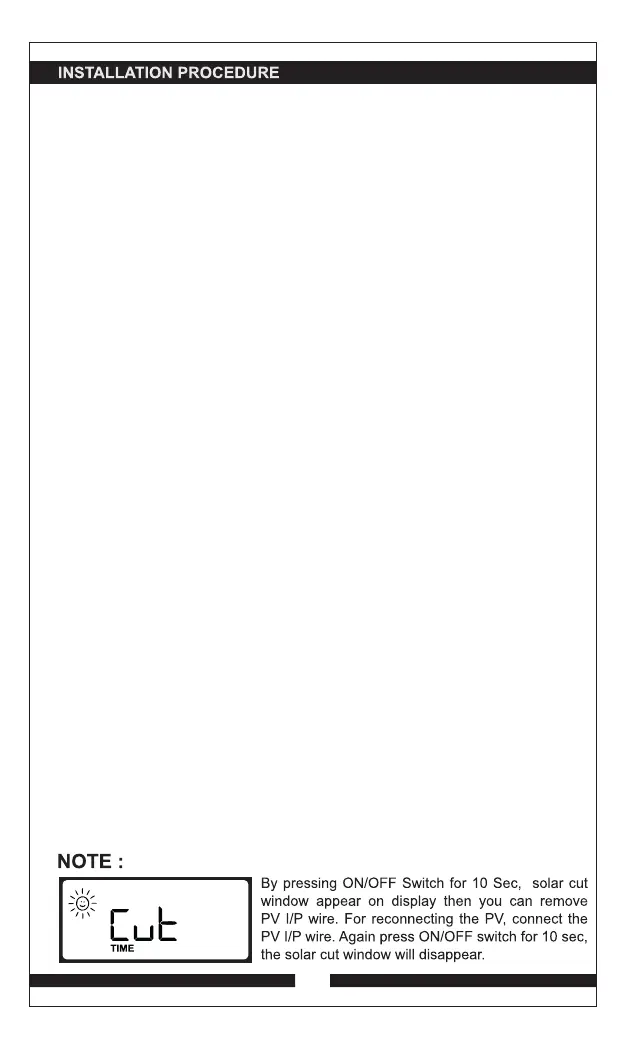
• Make series and parallel connection of solar panels as per system
specification and connect (+ve) and (-ve) wires of PV module to the Solar
Connector of Solar PCU.
• If PV reverse protection is shown on display, then interchange the solar
wire. If the same problem is shown on the display, call service support.
If the connection is OK, check the solar current for the proper function of
the MPPT charge controller.
• Now Switch ON the Mains Supply.


 To Next Page