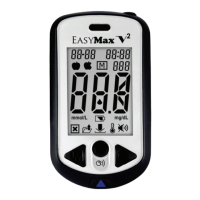
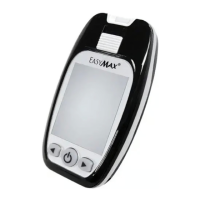
Description of Sound
WHEN the meter will speak WHAT the meter will say
Meter has been turned on. Power on and greeting music.
Setting the meter. Please set the meter. English (En) / Espańol (ES).
Setting Volume. Please set the volume.
Setting Year. Please set the year.
Setting Date. Please set the date.
Setting Time. Please set the time.
Meter is ready to insert test strips. Please insert a test strip.
When the meter is ready to apply blood. Please apply blood into the strip.
Blood Glucose test is complete and the
result is shown on screen.
Blood glucose is (number) milligram per deciliter.
Humidified / Used strips.
Humidified or used strips. Please replace with a new
strip.
Low Power. Low power. Please replace with new batteries.
System error. System error.


 To Next Page