EasyManua.ls Logo

Easymax Voice - Chapter 1: Understanding Your Meter; EASYMAX Voice Blood Glucose Meter Overview

Easymax Voice
52 pages
Print Icon
To Next Page IconTo Next Page
To Previous Page IconTo Previous Page
Loading...
14
Chapter 1: Understanding Your Meter
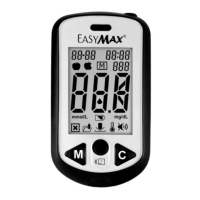
The EASYMAX
®
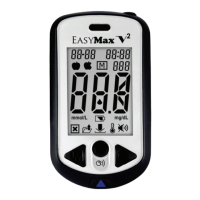
Voice Blood Glucose Meter
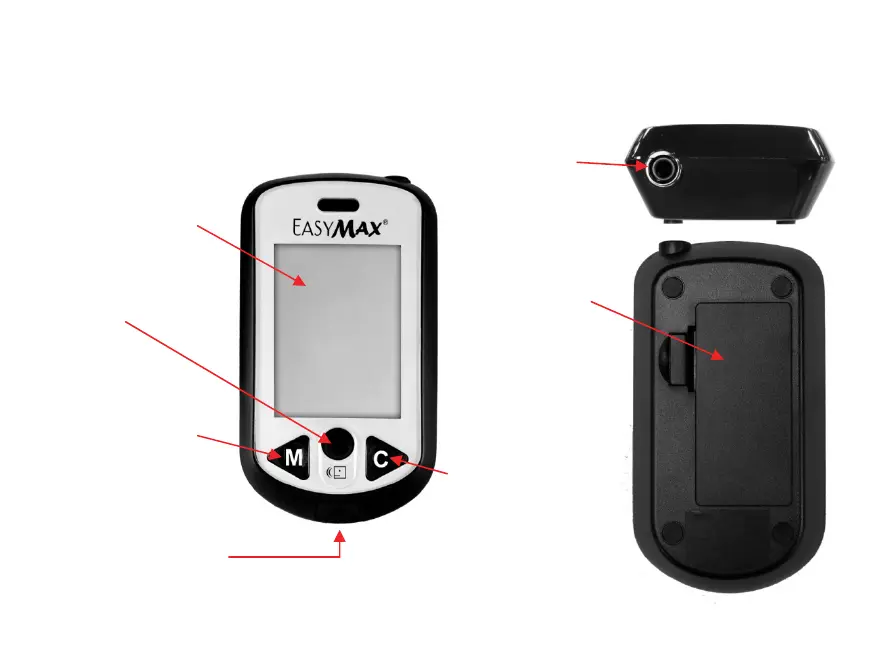
Display-
Shows results,
messages, and results
stored in memory.
M Button-
Press to enter
7/14/30/60/90 memory,
adjust setting, and
scroll through results.
Test Strip Slot-
Insert test strip here.
Power Button-
Press to confirm the
setting.
Battery Door-
Flip open the
battery door by
pushing the tab in
the direction of the
arrow and pulling
the door up.
C Button-
Press to enter
memories, adjust
setting, and scroll
through results.
Phone Jack-
Use the USB
cable to connect
to the meter.

Related product manuals