17
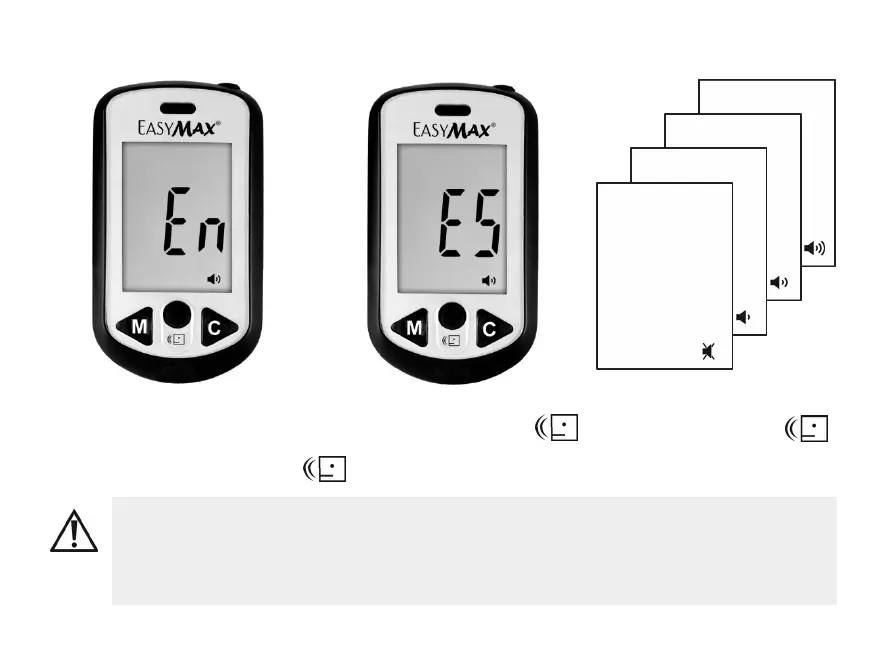
Setting The Language And Volume — First Time Use
1. The default language of the blood glucose meter is set in English.
2. The unit of blood glucose meter is set at mg/dL.
3. Press Power Button to turn on the meter and then press C button to set the
language, volume, time and date.
1. Insert new batteries, the meter
turns on. Press M button to select
En or press C button to select ES.
(En= English, ES = Espańol)
2. And press power button to
confirm the setting.
3. Repeat step 1 and 2
to set the volume.


 To Next Page