46
Message What it means? What to do?
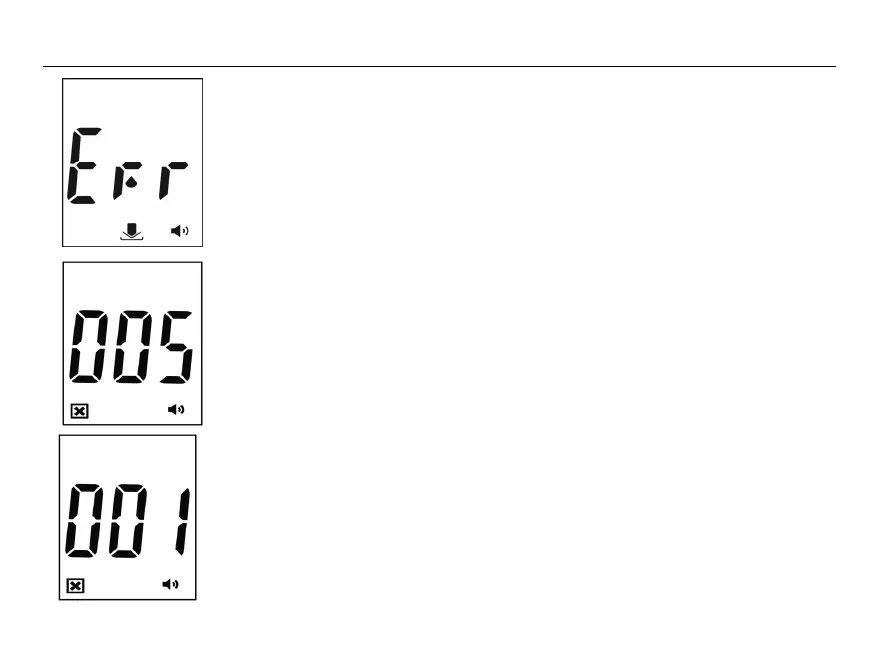
Volume detector error
The volume of blood or control
solution is NOT enough.
Replace with a new strip.
If Err appears again, please
contact your local dealer.
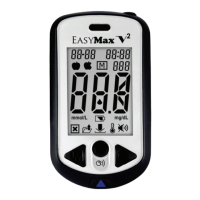
Memory fault
Replace the batteries first.
Refer to pages 16 and 42. If
this error message appears
again, please contact your
local dealer.
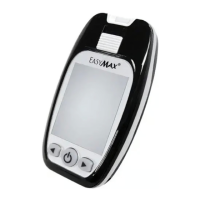
System fault
There may be a problem with the
meter.
Replace the batteries first.
Refer to pages 16 and 42. If
this error message appears
again, please contact your
local dealer.


 To Next Page