EN 18
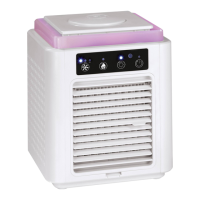
Feature overview
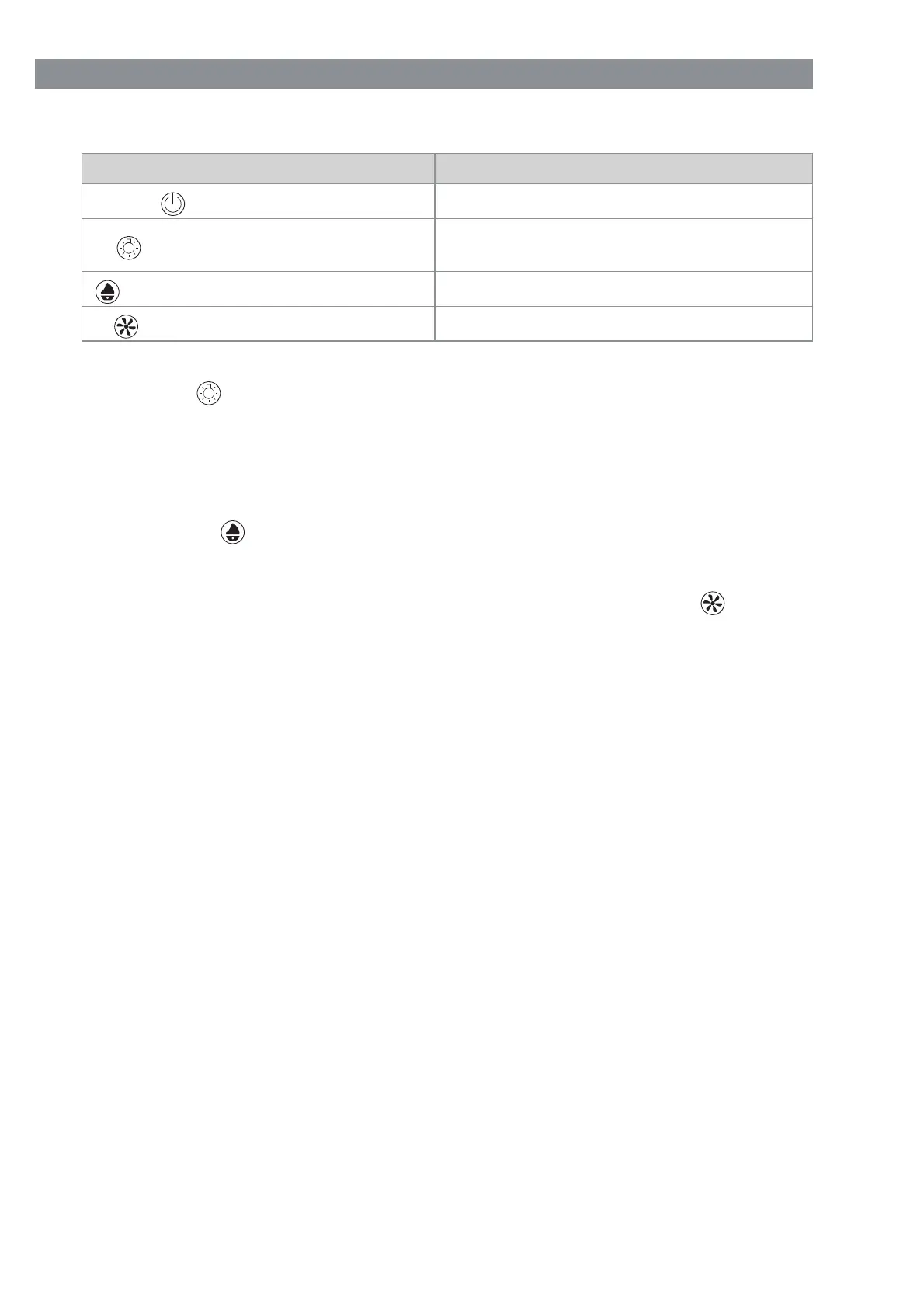
Button Function
(20 resp. 24) button
Turn device on / off (standby)
(21) button / Lamp (25) button
Turn LEDs on / off or change colour of
LEDs
(22) button / humidifi er (26) button
Activate / deactivate humidifi er
(23) button / speed (27) button
Set the fan speed
• The respective indicator lights (15 – 17) show which functions are active.
• Press the
button on the control panel (3) or the Lamp button on the remote con-
trol multiple times to change the colour of the LED lights (2). The options can be set
in the following order: Red (on) – green – blue – light green – light blue – turquoise
– purple – changing colours – off
• If the humidifi er is activated, steam will be emitted through the steam outlet (1) as
long as there is water in the water tank (10). Output can be interrupted at any time by
pressing the
button on the control panel or the Humidifi er button on the remote
control again. Please note the following: If the indicator light (16) is fl ashing, the
water tank (10) is empty and must be refi lled.
• The device has three different speed settings for the fan. Press the
button on
the control panel multiple times or the Speed button on the remote control to switch
between the setting options. The options can be set in the following order: HI (High)
– MED (Medium) – LO (Low)
Before fi rst use
• Before using the device, remove all packaging materials and any labels on the de-
vice that are for transport protection or advertising. Never remove the type plate
or any warnings!
• Insert batteries into the remote control (see the “Insert / change batteries in the
remote control” chapter).
Insert / change batteries in the remote control
Before inserting the batteries, check whether the contacts in the remote control and on
the batteries are clean, and clean them if needed.
1. Slide open the battery compartment cover in the direction of the arrow and remove it.
2. Remove used batteries if necessary and replace them with two new batteries (1.5 V,
type AAA). Make sure the poles are aligned correctly (+ / –).
3. Set the battery compartment cover on the battery compartment and slide closed in
the opposite direction from the arrow. There should be an audible click as it locks
into place.
Replace the batteries if the remote control’s performance is weakening.


 To Next Page
 Loading...