English EasyN IP Camera User Manual
www.easyn.com MFE-E-A3
10
2. Open the web page by clicking the ‘open’ button which is next to the inner visit
address or outer visit address in the search bar, or you can directly input the inner or
outer visit address in your browse, for examples, http: //192.168.1.126(LAN),
http: //dpvz.ipcam.hk(WAN).
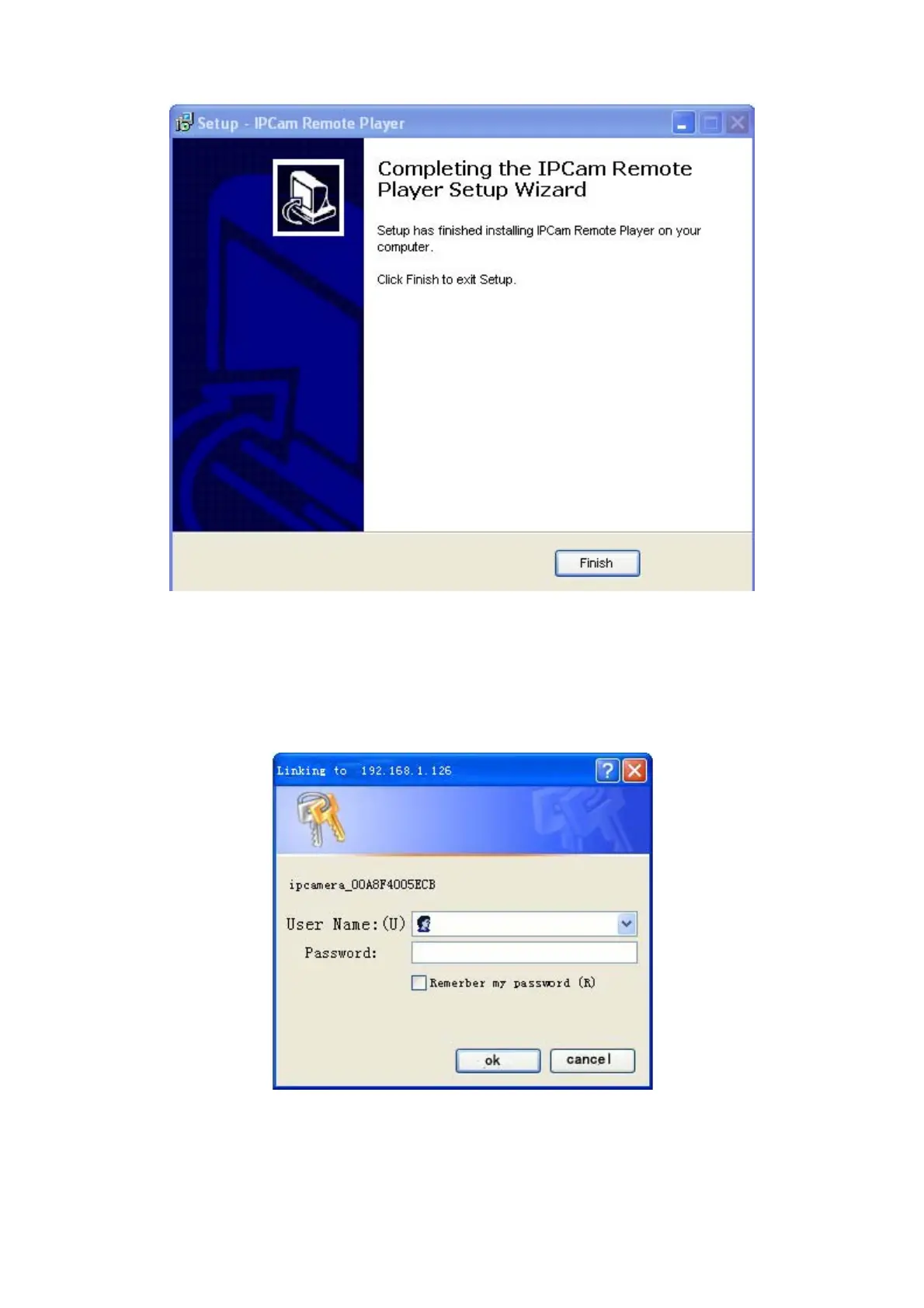
3. When connected through outer network, a log-in interface will appear:
Enter the log in information, click OK to enter. An installation pop-up will
appear. If it is blocked and requires plug-in installation by antivirus software, please
remove the block.
Note:



 To Next Page