English EasyN IP Camera User Manual
www.easyn.com MFE-E-A3
18
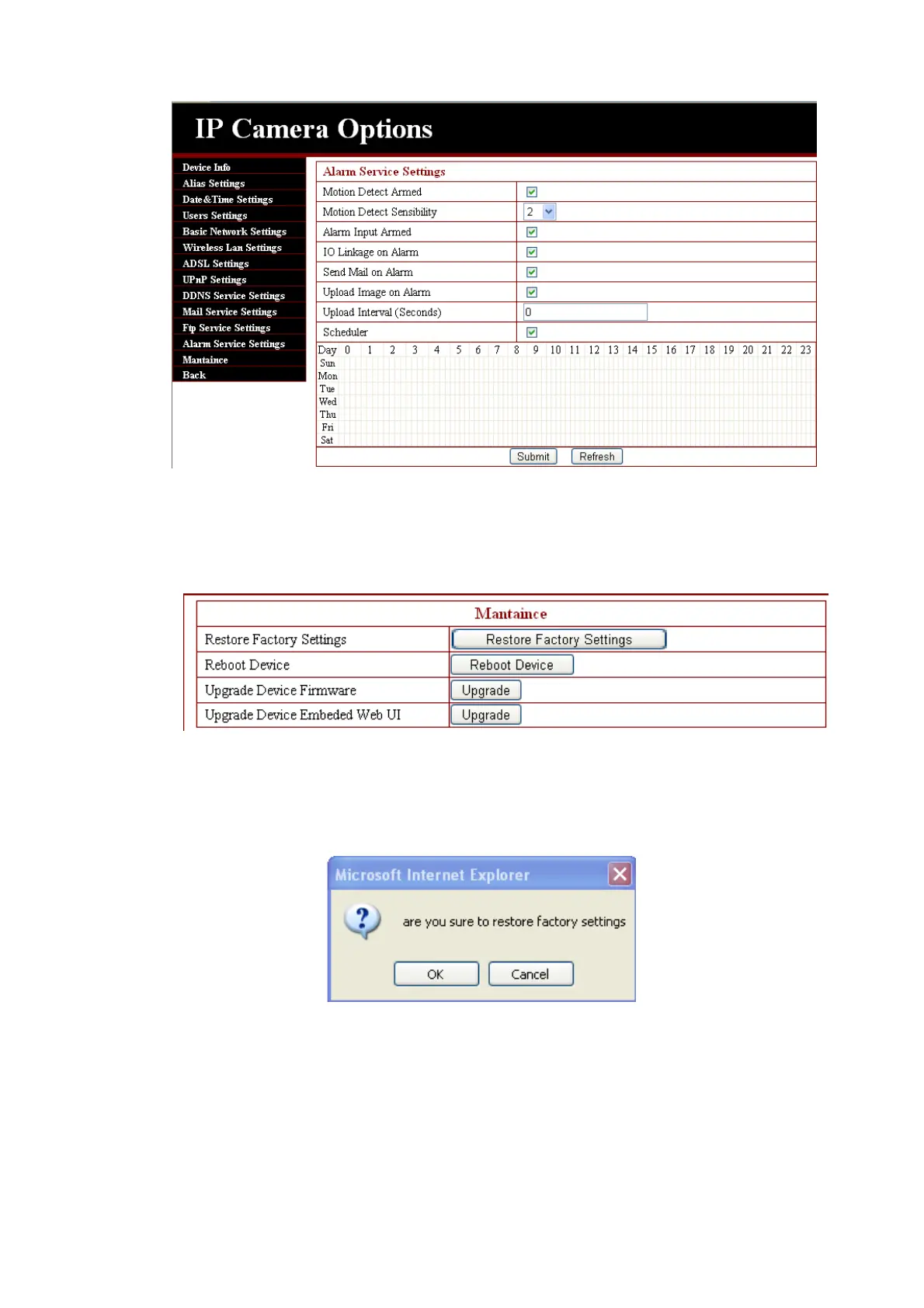
3.4.13. Reset/Firm Ware Upgrade
This table is for camera firmware upgrade, it includes updating device system
firmware and device application firmware. Be careful when you apply it!
3.4.14 Restore factory Settings
If user(s) forget the password, the IP camera can be restored to the original
ex-factory settings. When you click the key, a picture will pop up, Click ok, and wait
for 1 minute, and then you can use the IP camera again.
3.4.15 Reboot Equipment
Click restart, as appeared in the below picture. Click ok, wait for 1 minute and



 To Next Page