English EasyN IP Camera User Manual
www.easyn.com MFE-E-A3
14
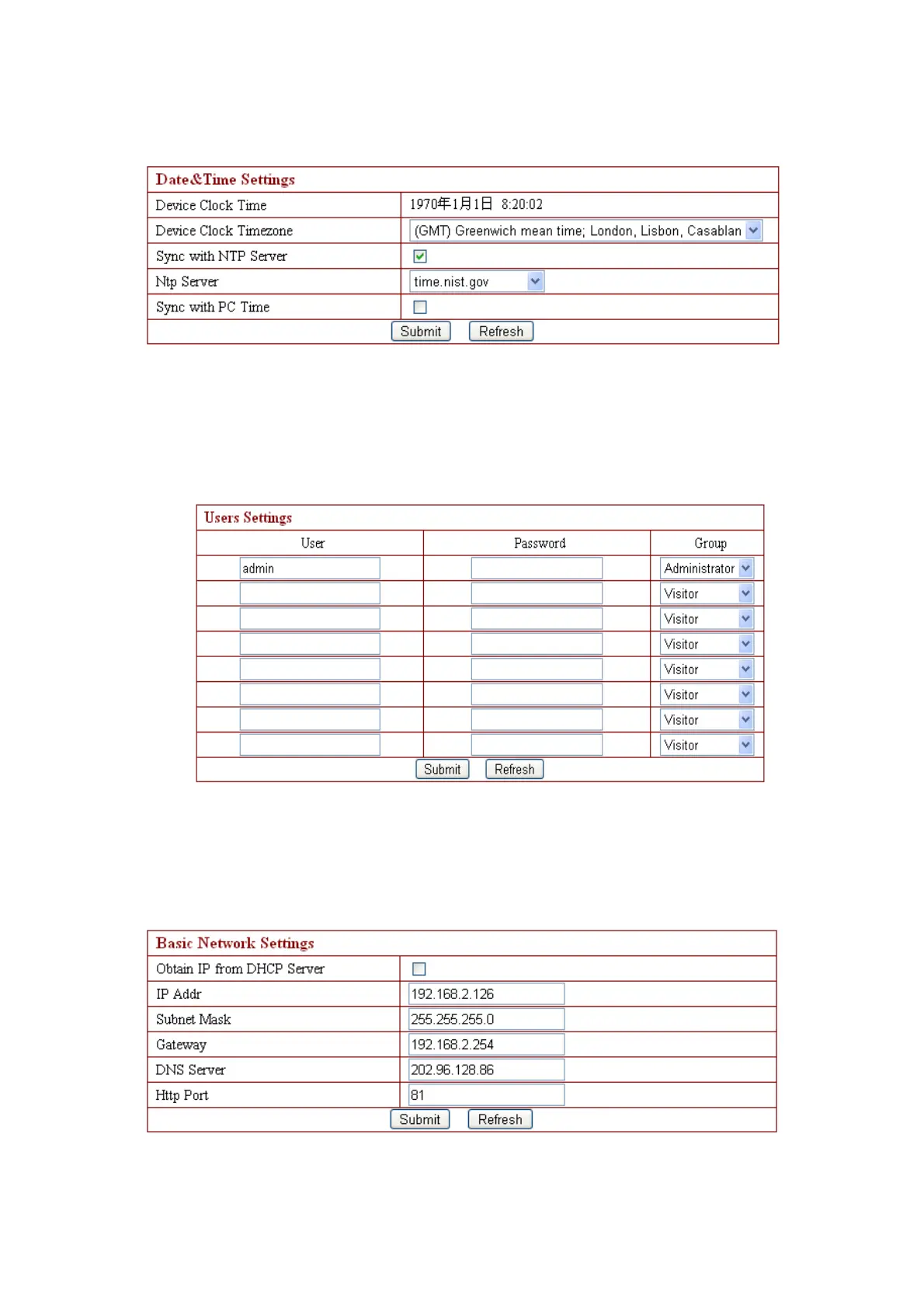
3.4.3. Device Clock Settings
You can adjust time via NTP server or PC in this table.
3.4.4. Device User Settings
User can proceed with setting in the interface as shown below. The system is
available to administrator, operator, and visitor with different authority.
Note: At least one administrator is required for the device;
3.4.5. Basic Network Settings
This table is for DHCP and IP configuration. Port forwarding is needed. If you
want to set the IP address,please fill in the relative IP address、subnet mask, gateway,



 To Next Page