English EasyN IP Camera User Manual
www.easyn.com MFE-E-A3
11
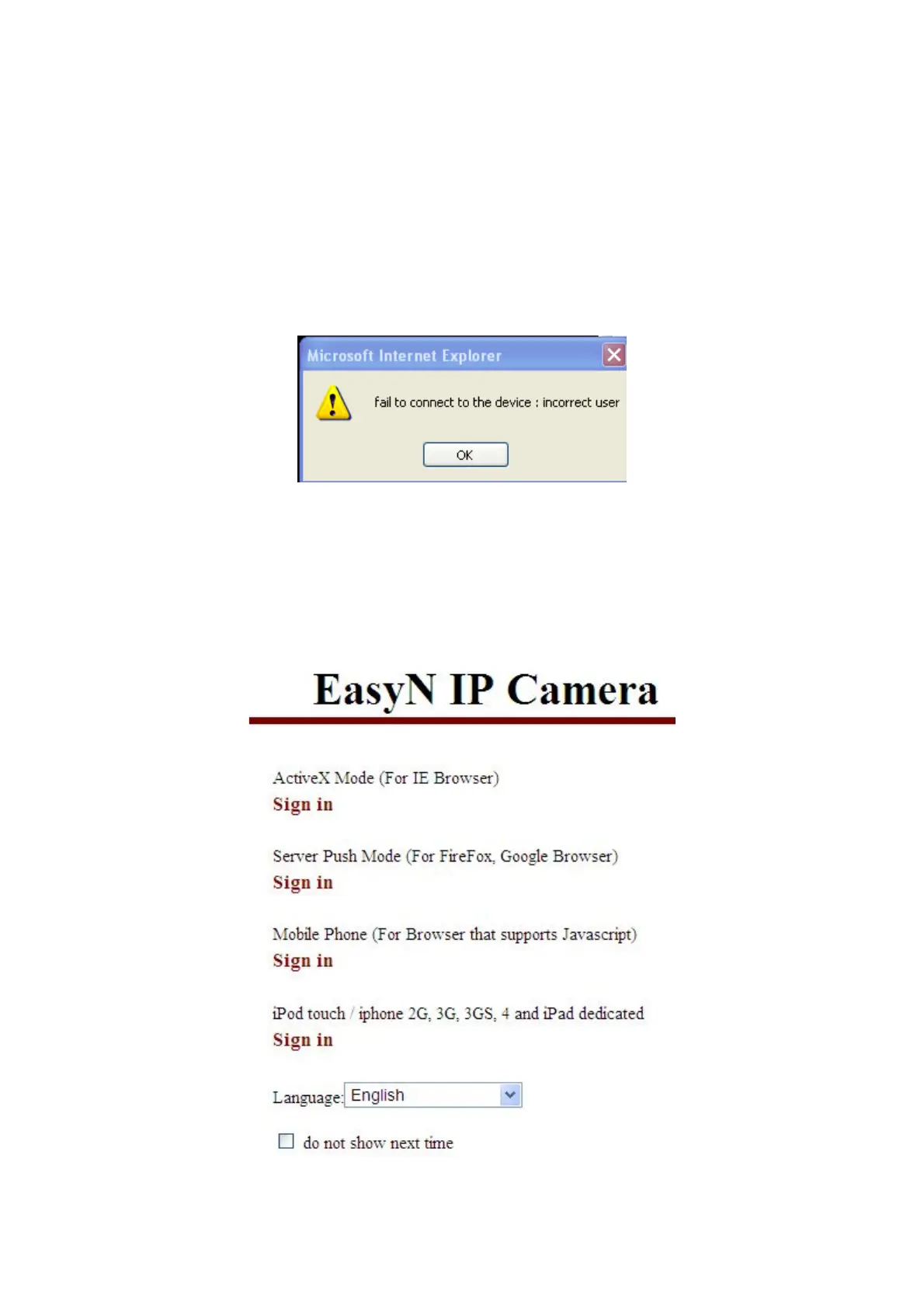
1. Default device account is admin, leave password blank.
2. M series IP camera doesn’t support Firefox browser, but F series does support
Firefox browser.
3.3. Operation Keys
After successful logged in, the video will be on the left side, and control buttons
used for operations will be on the right side:
3.3.1. Equipment Status
When login name or password is wrong, it will show the following hint:
3.3.2. Administrator Operation
Click Sign in, a pop-up window will appear, Sign in with ActiveX Mode (for IE)



 To Next Page