English EasyN IP Camera User Manual
www.easyn.com MFE-E-A3
20
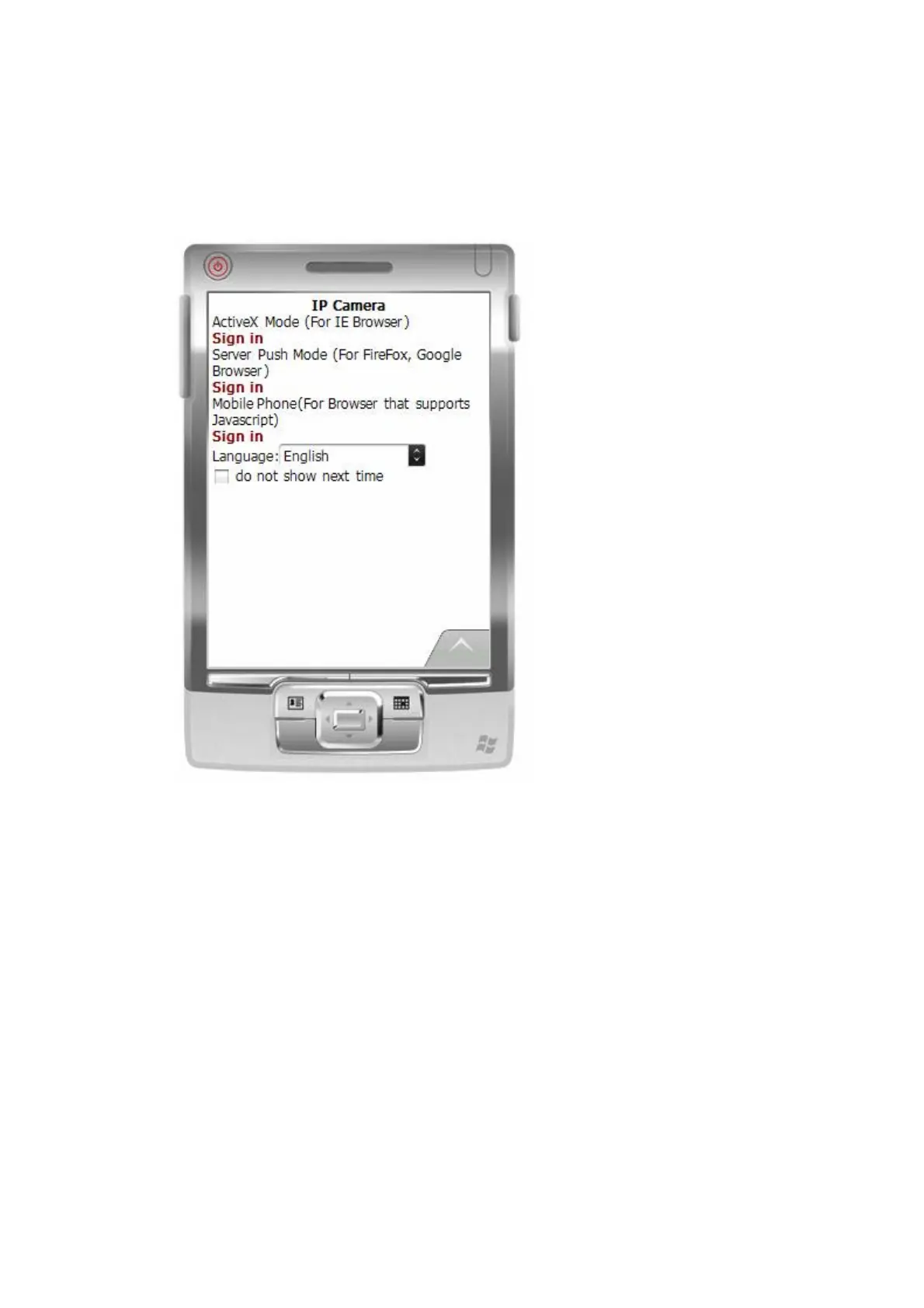
2. Input the Username and Password of the device, and the following interface will
appear. There are three log-in options. Click on the third “Sign in” and use Mobile Phone
mode.
‘Language’: to select the display language.
‘Do not show next time’: When this option is selected, this interface will not appear
when you log in next time. It will directly skip to the monitor image.
Description for the monitor image:



 To Next Page