11
Basic Operating Procedure
From this section, you will learn how to turn the camera on and off,
shoot pictures, zoom in and out, view and protect pictures.
Turning the Camera ON/OFF
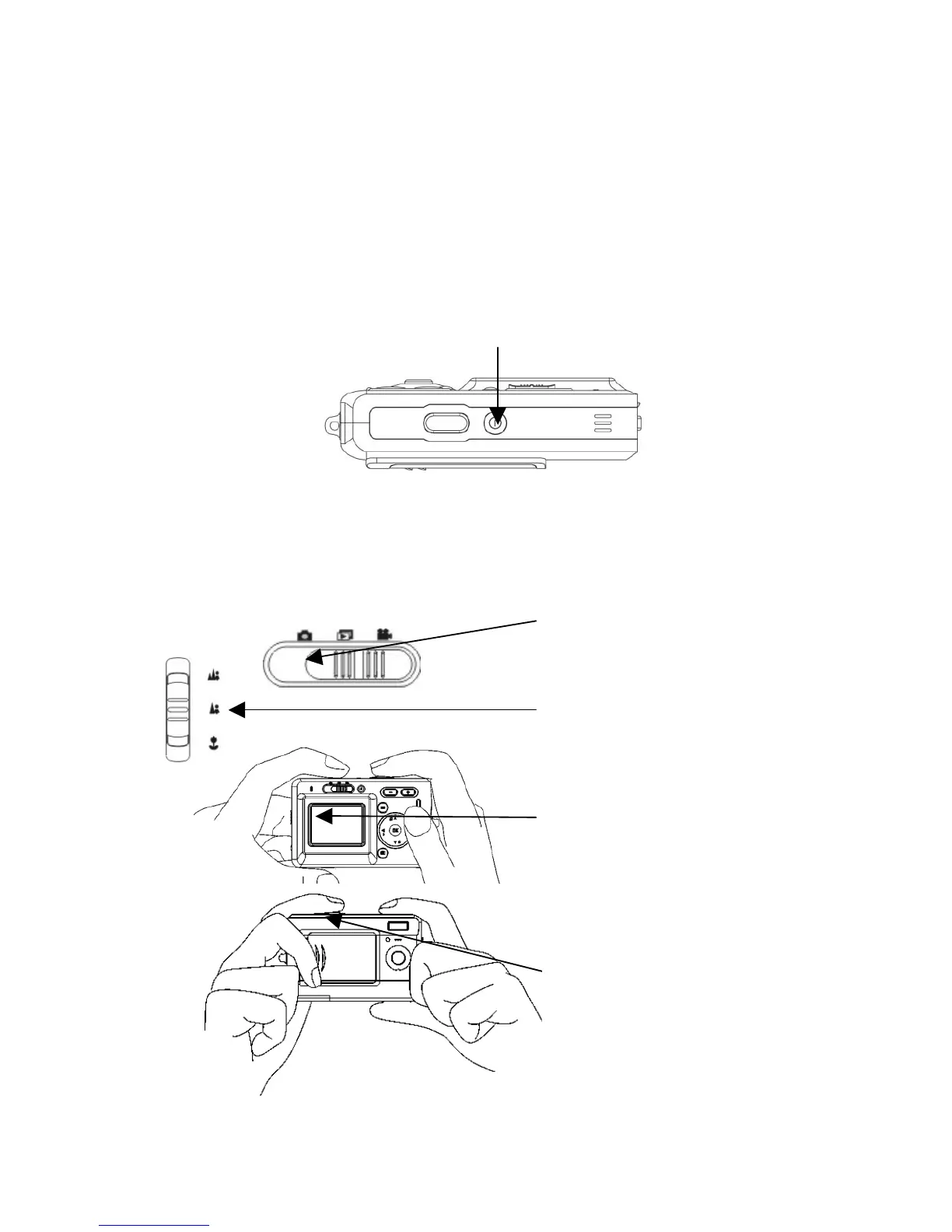
1. To Turn the camera on or off, press the power button located on top
of the camera.
**The backside LED indicator will remain green while the power
is turned on**
Basic Shooting Skills
1. Slide the mode switch to the
Capture Mode.
3. Look for your subject in
the LCD display and try
to focus it inside the
display.
2. Slide the focus switch to
the corresponding position.
4. When you are set, press
the shutter button once.



 To Next Page