17
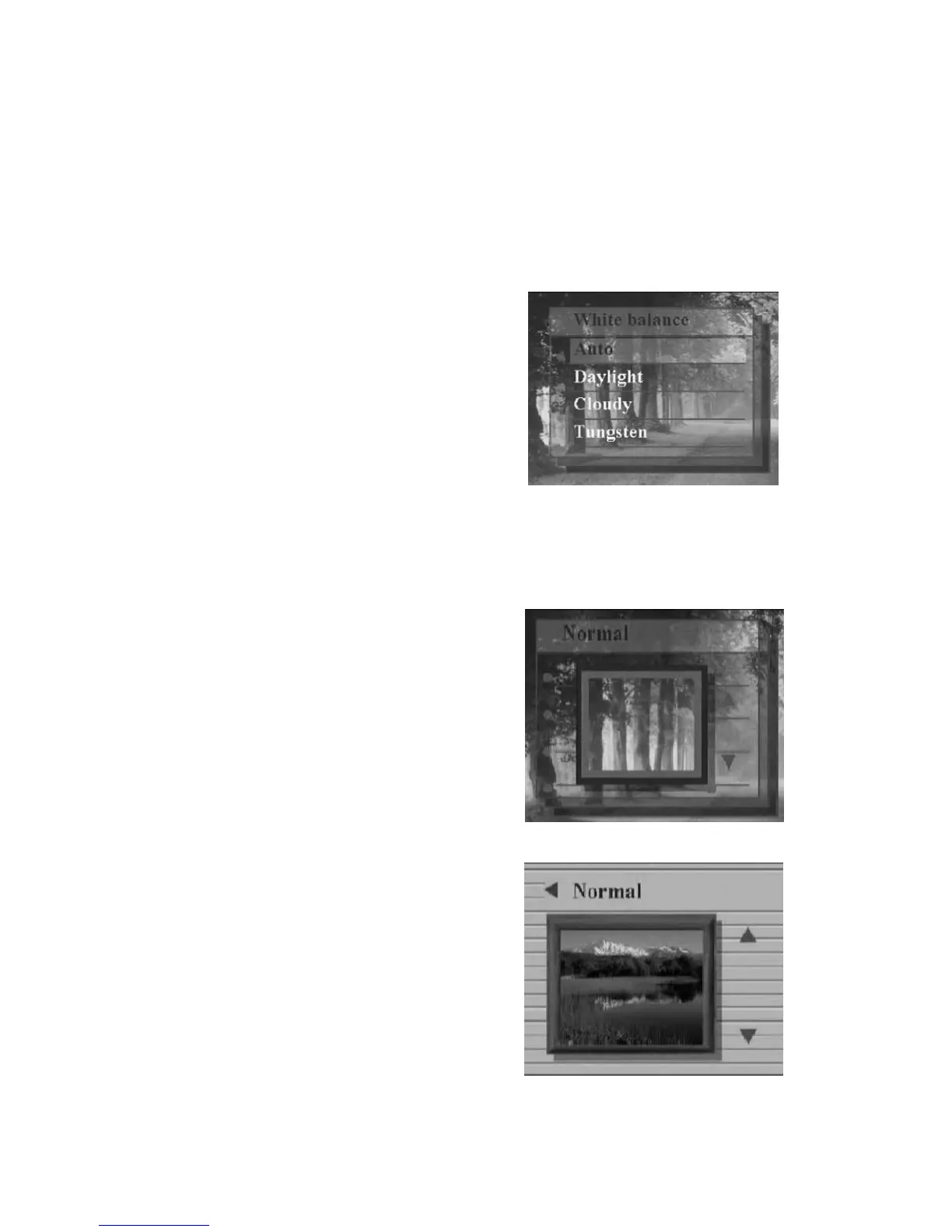
“Capture”/“White Balance”
Normally, the “Auto” WB setting will set the optimum white balance
automatically. If natural colors cannot be obtained with auto WB, you
can set the white balance manually to suit the respective light source.
Users can select the following white balance:
Auto
Daylight
Cloudy
Tungsten
Fluorescent
“Capture”/“EV adjust”
Exposure compensation is used to alter the camera’s standard
exposure setting. You can darken or lighten
the image. (increased exposure)
Adjust in 0.5 EV in the range -2 to 2.
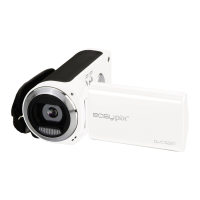
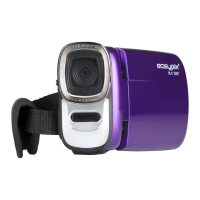
“Capture”/”Color effect”
This mode allows can set the color tone of a
picture.
Normal
Sepia
B/W
Pink
Green


 To Next Page