43
RUN MODE cont.
4. Press the
View
Enter
key before the start prompt times out,
Vi e w
Ent er
Duran
t
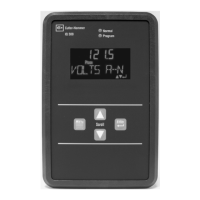
the display will show StArt for two seconds, and the indicating LED will flash.
To stop a batch:
Press the
Reset
Stop
key,
Stop
Duran
t
the display will show StOP for two seconds, and the indicating LED will turn
OFF.
To resume a batch that has been stopped,
1. Press the
Start
key,
Start
PGM
Duran
t
the display will show the resume prompt for three seconds.





 To Next Page

