48
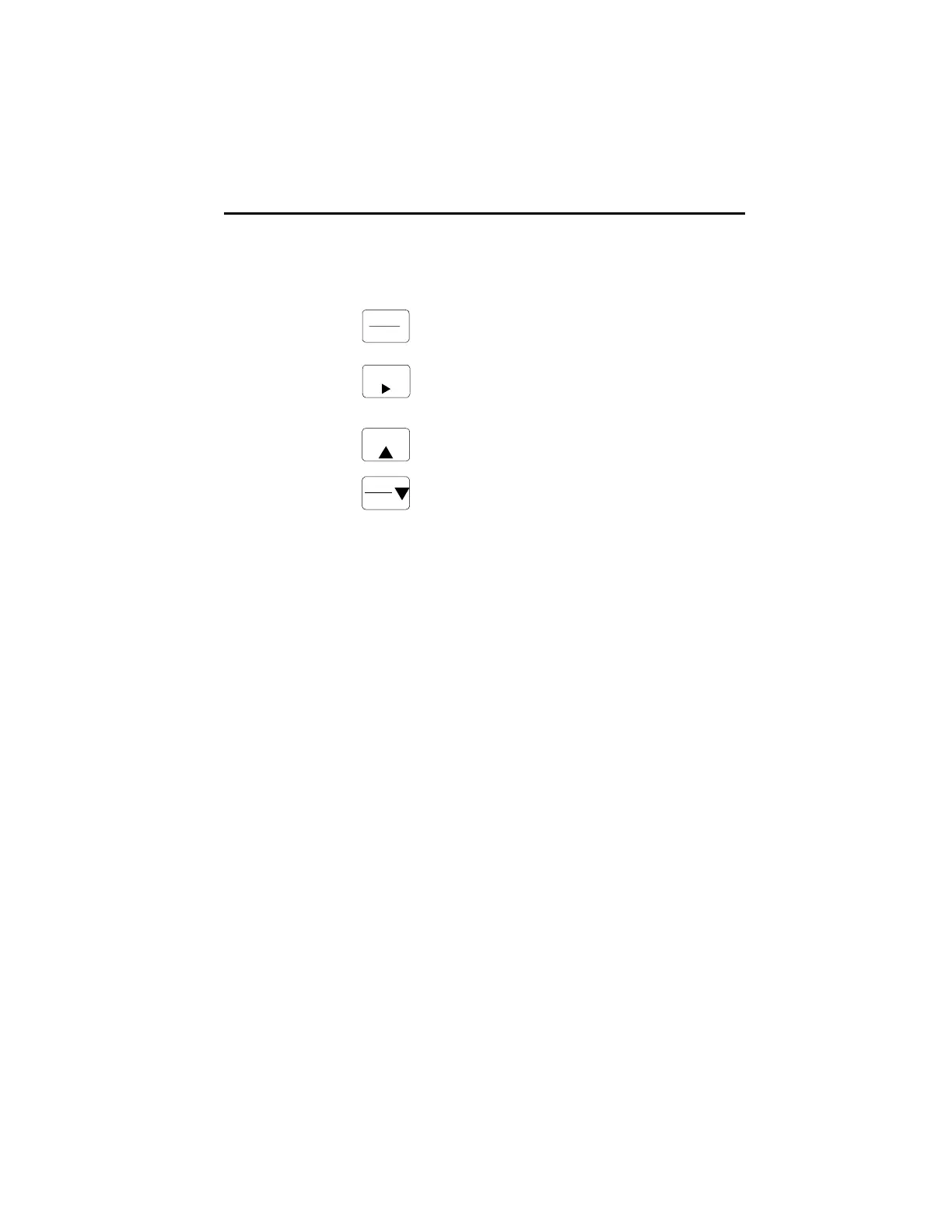
There are four keyboard diagnostic tests, one for each key. The tests are performed
by pressing each key. The units response is maintained as long as the key is held.
Test Key Unit Response
View/Enter Display shows software revision number
Edit/Right Arrow All display segments and the program LED
will turn OFF, and the analog output will go
to maximum values (20 mA and 10V).
Up Arrow Each display digit will turn ON, one at
a time, and relay 2 will turn ON.
Down Arrow Each display segment of all digits will turn ON,
one segment at a time, and relay 1 will turn ON.
View
Enter
Edit
Start
Res et
Stop
To exit the keyboard diagnostic mode, turn unit power off.
SPECIFICATIONS
MECHANICAL
Cutout Dimensions: 3.62 W x 1.77 H (92mm x 45mm) DIN standard
Outline Dimensions: 4.04 W x 2.19 H x 3.87 D (103mm x 56mm x 98mm)
3.60 (92mm) maximum depth in panel
Enclosure: Plastic with polyester front label
Connectors: Up to six de-pluggable terminal blocks
INPUT POWER
AC Powered Models (57751-4XX)
Input Power: 85-265 VAC, 47-63 Hz, 20 VA
External Fuse: 0.2A, 250 VAC, Time Delay (T200mA, 250V)
Isolation Dielectric Strength: 2300 VAC
DC Powered Models (57750-4XX)
Input Power: 9-30 VDC, 12 VA
External Fuse: 2.0A, 50 VDC, Time Delay (T2A, 50V)
Reverse Voltage Protection: Yes
Isolation Dielectric Strength: 2300 VAC to signal inputs and relays, 500 VAC to
RS 485 and analog outputs
HUMAN INTERFACE
Display: 6 digits
Type: .56 high, seven segment, red LED
DIAGNOSTICS cont. / SPECIFICATIONS





 To Next Page