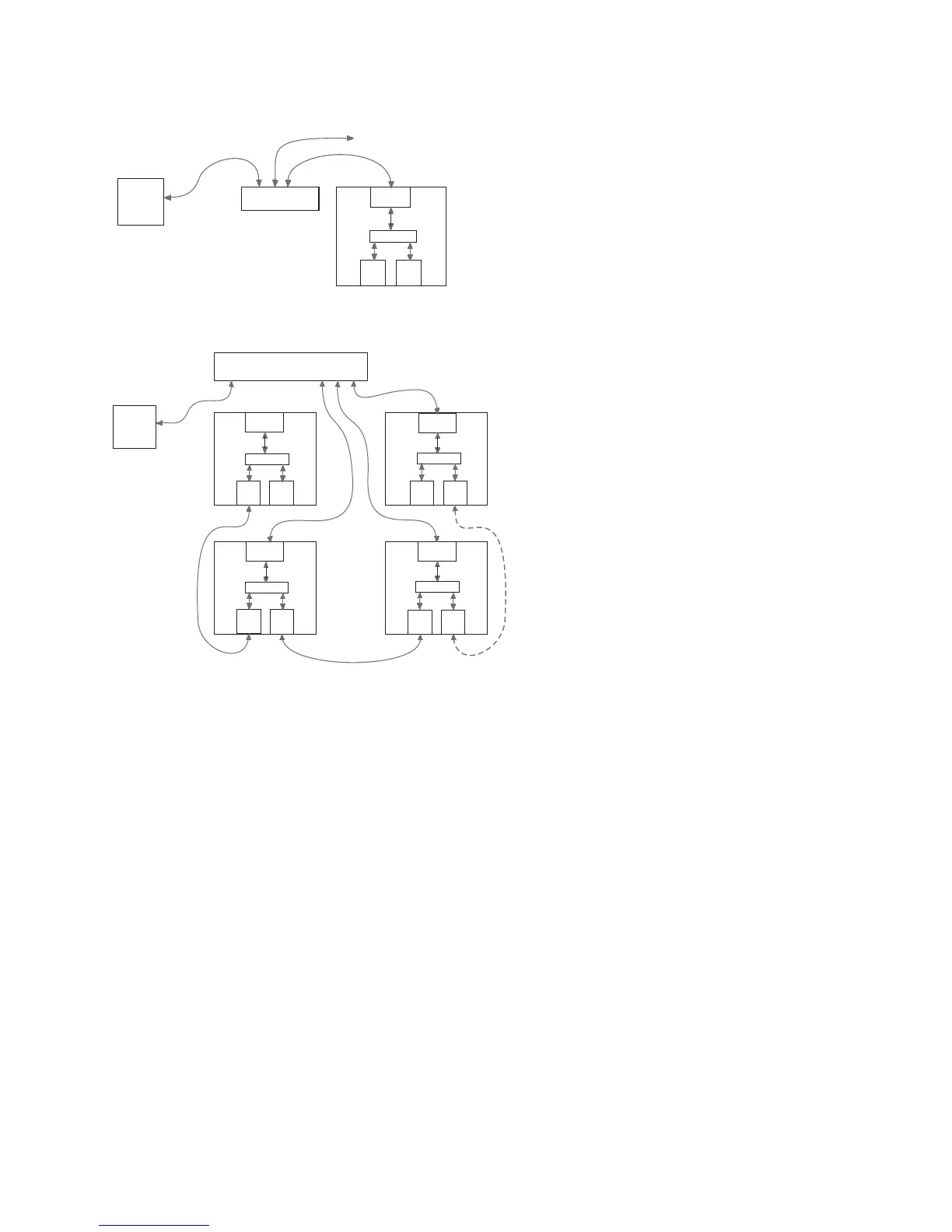
4.4.6 CONNECTING MULTIPLE PROCESSORS TO AN ETHERNET NETWORK
Use the front panel Ethernet port and a standard Ethernet cable to
connect each processor to a 10, 10/100, or 100 Mbps Ethernet hub,
switch, or router on a network.
4.4.7 CONNECTING MULTIPLE PROCESSORS TO AN ETHERNET AND U-NET NETWORK
Use the front panel Ethernet port and a standard Ethernet
cable to connect processors to a 10, 10/100, or 100 Mbps
Ethernet hub, switch, or router on the network. Connect
additional processors to the Ethernet hub, switch, or
router or connect additional processors to the system
using the U-Net ports as in Section 4.4.4.
NOTE: Audio signals may also be routed between
processors over the same U-Net cables by assigning
Input Channel and Output Channel signals to U-Net
channels.
4.4.8 SOFTWARE INSTALLATION -- EAWPILOT
EAWPilot requires an IBM compatible PC equipped as follows:
Operating System: Windows Vista, XP, 2000, NT, ME, or Windows 98
I/O: Ethernet network interface card (NIC) 10, 10/100, or 100 Mbps
The latest EAWPilot can be downloaded from the EAW web site: www.eaw.com. Go to the “Downloads”
page or contact the factory and a copy will be sent to you on a CD-ROM. Once installed and with the
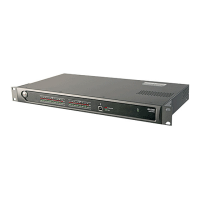
computer connected to the UX8800, open EAWPilot by clicking on EAWPilot in the
Start/Programs/EAW/EAWPilot.
Page 8


 To Next Page