- 22 -
EBA 550 • EBA 550 LT
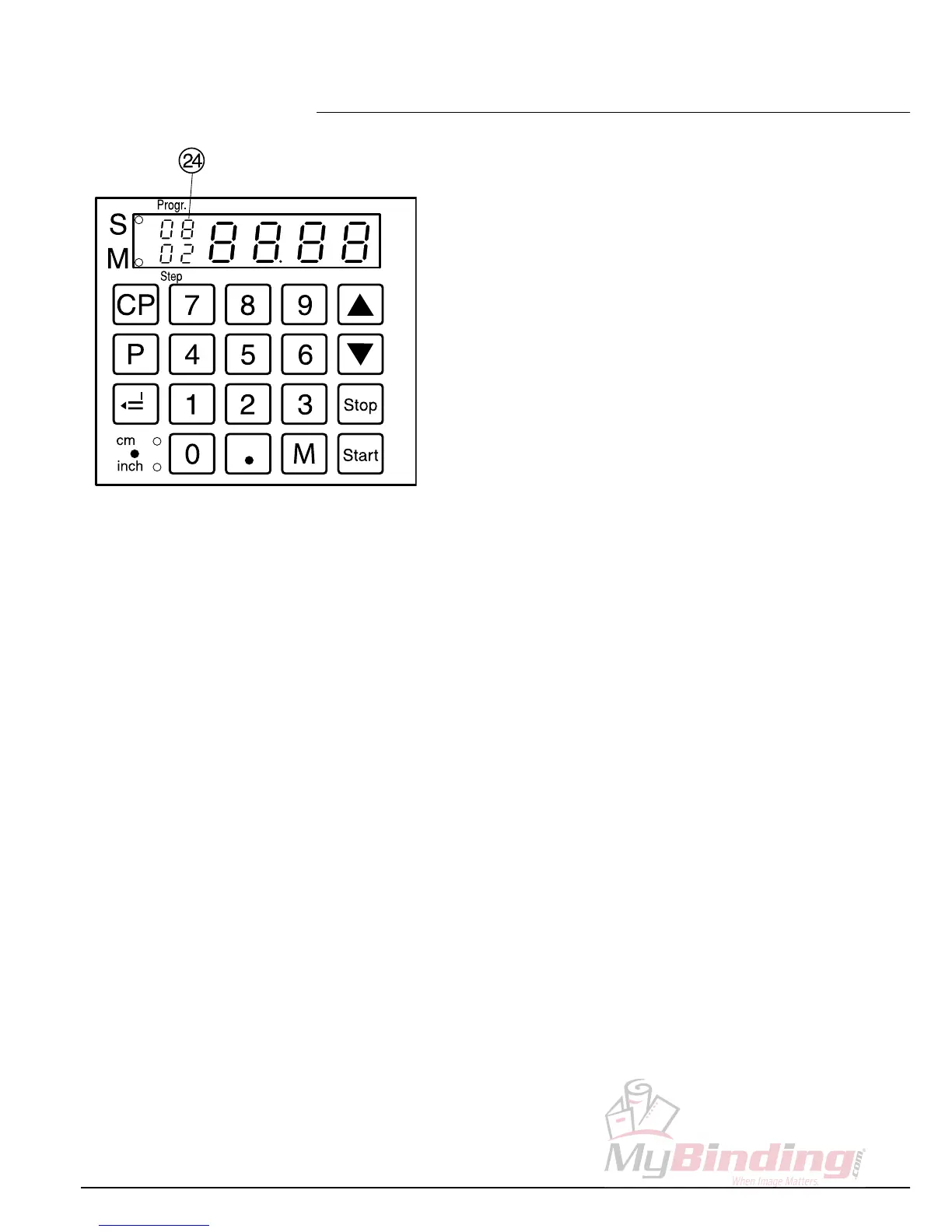
Eject function program
The eject function can be added each time a
measurement is entered and ejects before
advancing to the next measurement.
An eject at the end of a program must be
programmed in the first step at the program.
If the dimension and eject function are stored
in the program step the program number
appears on the display
X
.
Example of a program eject function
•
p
0 8
program 08
•
c c
delete previous program
•
1 6 g
step 1 on 16,0 cm
•
2 0
step 2 on 20,0 cm
• Press
p
, hold, and press
T
eject (e
blinks)
•
g
Store the dimension
•
p
+
s
escape the program mode
How the example works
•
p
0 8
start program 08
•
S
proceeds to position
• Insert paper
• Release cut 1
•
S
Paper is ejected (
X
blinks)
• Turn the paper
• Release cut 2
•
p
+
s
escape the program mode
• Operation •


 To Next Page