53
EBERG REQU+ AND REQU R+ VERSION
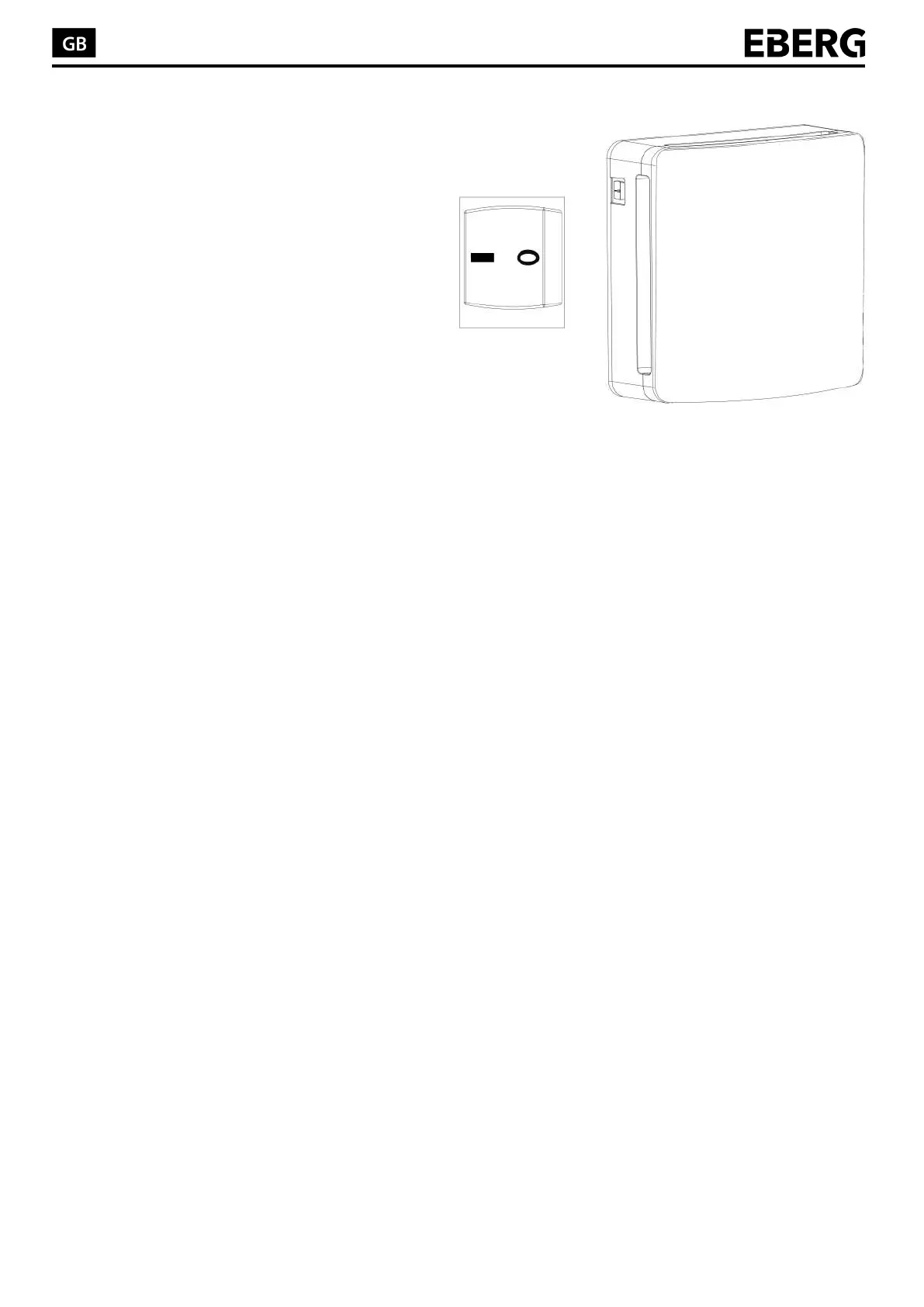
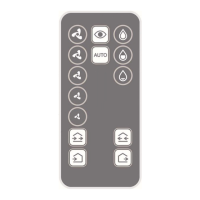
In case of one unit, turn on the product through “0/1” switch and then set a function by remote to activate the
product accordingly. In case of more units, refer to paragraph “MASTER-SLAVE PRODUCTS CONFIGURATION”
and, once this procedure is ended, turn ON the products through 0/1 switch and press a function by remote to
activate the device.
ATTENTION:
By running the first time, the product performs the auto calibration of the hygrostat.
It is possible that during this step the products runs in “EXTRACTION” to bring the humidity of the environment at
the necessary level for the auto calibration.
PROBLEMS
If the product does not turn on, or in case of function problems such as strange noise, disconnect the product by
setting on “0”, the “0/1” main switch placed on product side. Contact immediately your retailer and ask for
assistance.
ON/OFF Main Switch (0/1)


 To Next Page