VEHICLE HEATERS – TECHNICAL DOCUMENTATION | 27
3 OPERATION AND SETTING/ADJUSTMENT
SETTINGS
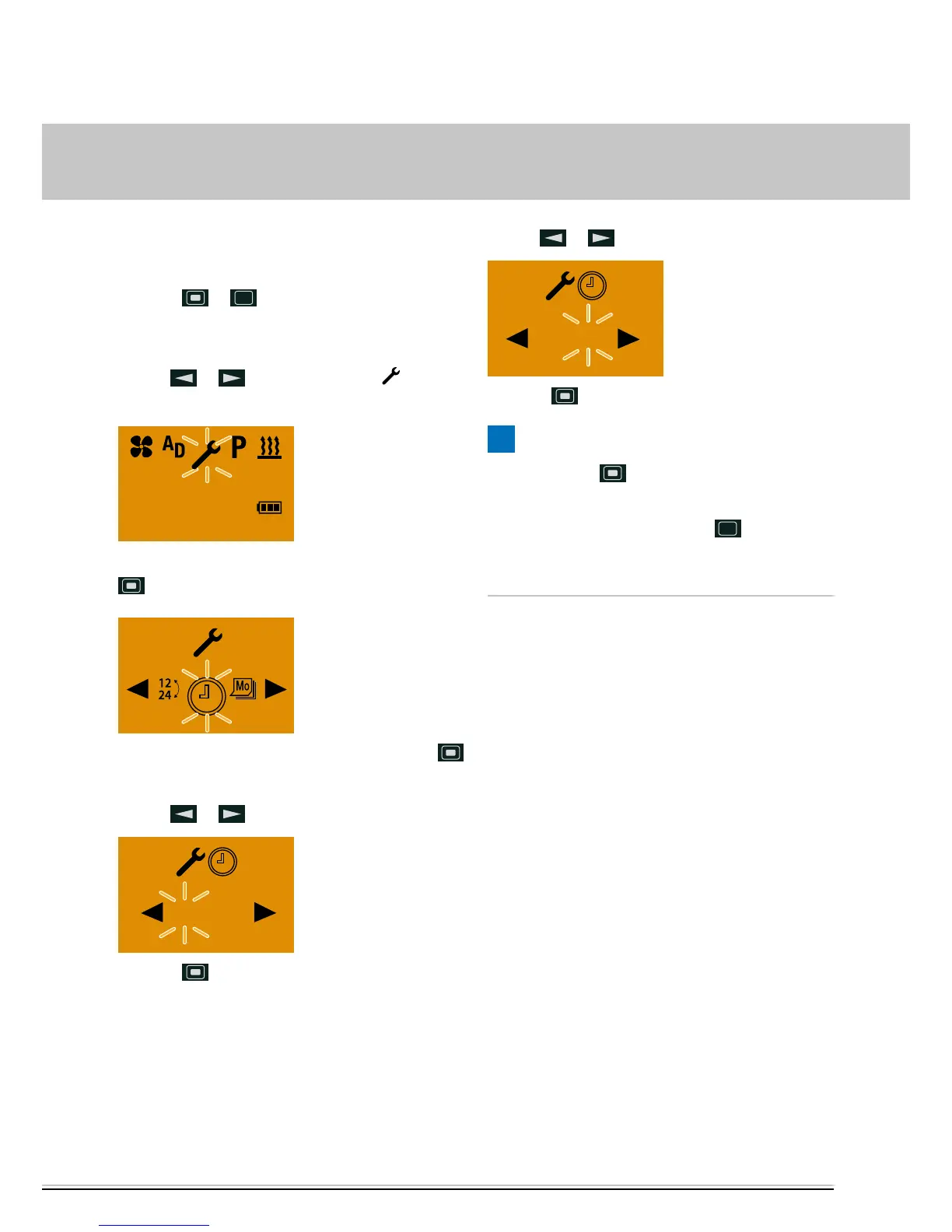
SETTING THE TIME
Press the
or button to activate the mobile
unit. Following successful data transmission the Start
display appears.
Use the
or button to select the symbol
in the Menu bar.
10:30
Mo.
Confirm the SETTINGS menu item by pressing the
button.
Confirm the SET TIME menu item by pressing the
button.
Use the
or button to set the hours.
06 : 00
Press the button to confirm the setting.
Use the
or button to set the minutes.
06 : 30
Press the button to confirm the setting.
PLEASE NOTE!
Do not press the
button, as otherwise SET THE
TIME appears in the display again.
After making the setting, press the
button to
return to the SETTINGS menu item or wail until the
display lighting goes out.



 To Next Page