USERS MANUAL
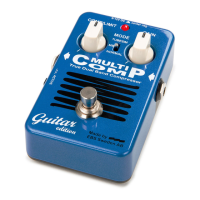
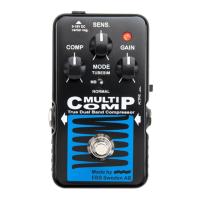
EBS MULTICOMP - BLUE LABEL EDITION
www.ebssweden.com
SAMPLE SOUND SETTINGS
The following examples below show a few of the many sonic
possibilities of the EBS MultiComp.
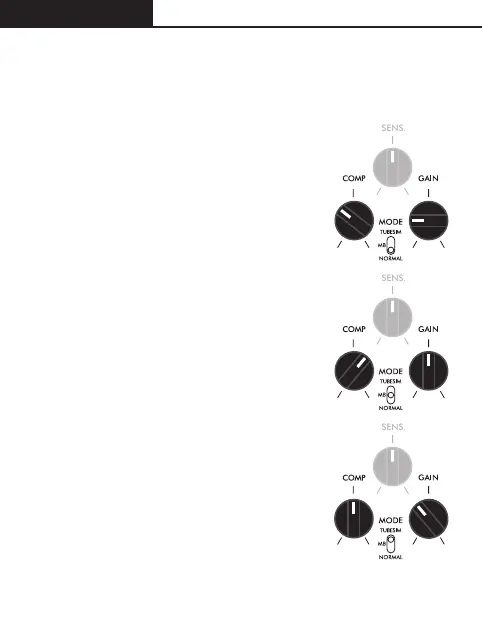
STANDARD COMPRESSION
The standard compression is achieved with
the mode switch set to Normal position.
Use moderate setting for compression and
compensate for gain loss, or boost the
signal with Gain.
MULTIBAND COMPRESSION
This is a very useful setting for tightening up
your sound and obtaining maximum
compression. Use a fairly high setting for
compression and balance your sound with
the Gain control.
TUBESIM MODE
Based on the normal on-band compressor,
this setting adds tube-alike harmonics to
your sound. Useful when you wish to add
extra warmth to your sound, and works
very well with other instruments than bass
or guitar.


 To Next Page