EC-80320 User’s Manual
- 9 -
2.6 Network Settings
Please use EC PRINTER network setting software NetFinder to set the IP address for EC
PRINTER printers, which can be found in the CD or downloaded from EC products web site.
2.6.1 Connecting Printer
Power on the printer, connect with the Ethernet cable which has been connected to LAN, and look
into the information of Ethernet LED indicator to ensure the printer has entered into the normal
connection.
2.6.2 Setting IP Address
1. Run NetFinder Software
Double click NetFinder.exe in the PC which connects the printer in the same LAN. The figure
of the software is shown as follows:
Yellow LED Green LED Description
ON Flash Normal
OFF OFF Not connect to network
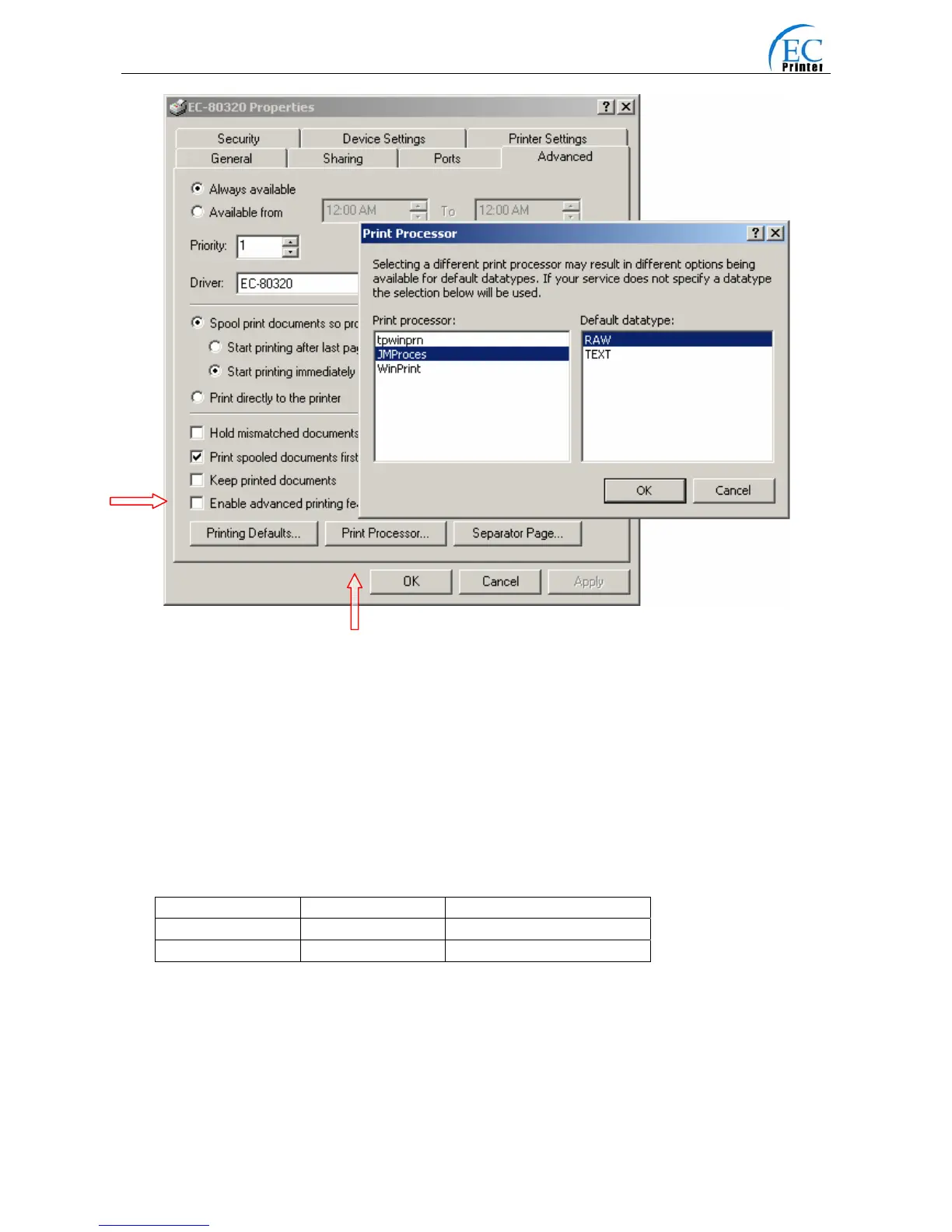
Fig2-9 Modify the driver property



 To Next Page