EC-80320 User’s Manual
- 21 -
3. Right click”EC80320”, select “Properties”.
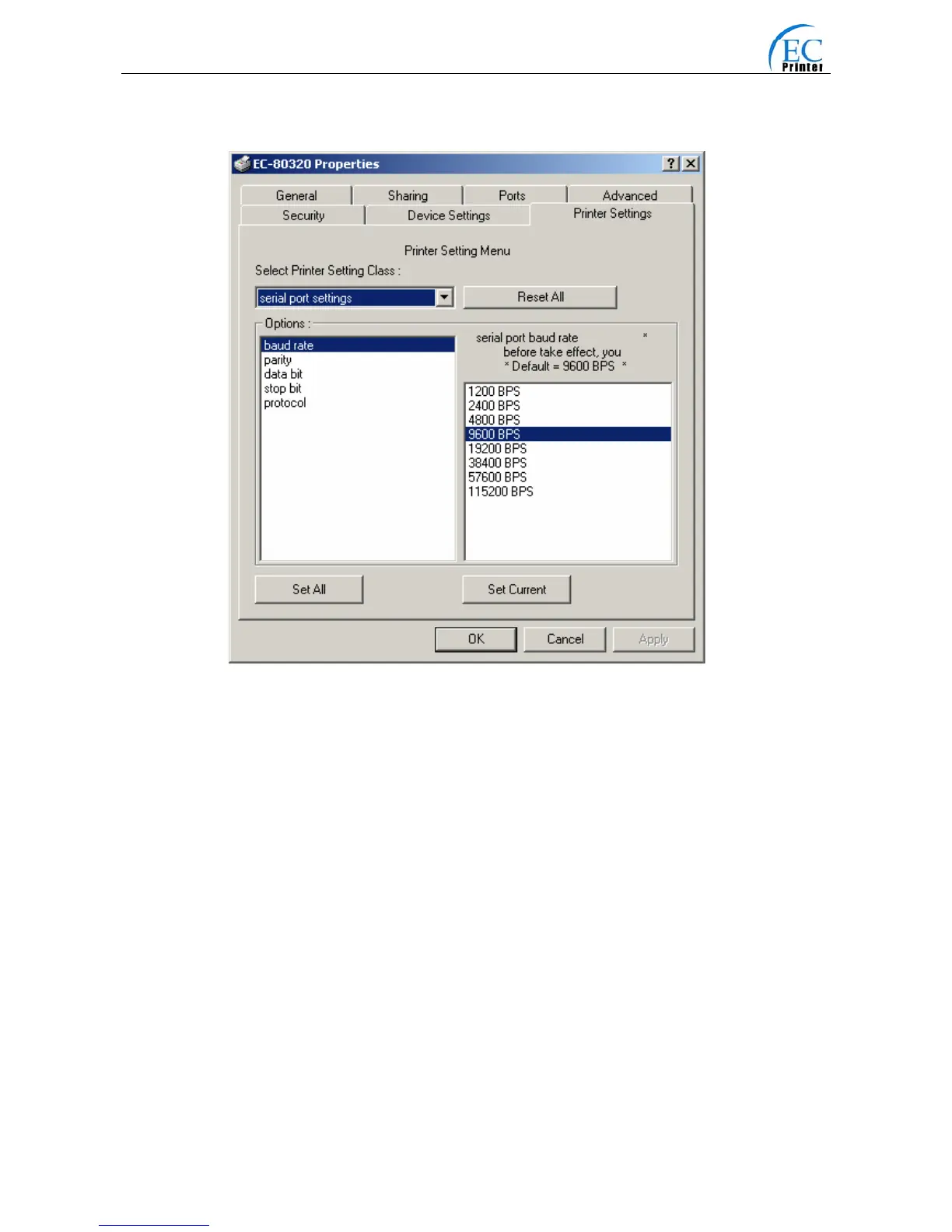
4. Click “Printer settings” in the property page.
5. Check whether the selected port in the “Ports” is matched with the port connecting to the printer
in practical. Return to “Device Property” page layout, the list in the left are the items you want
to set and the right are the item’s parameters. If you only want to change one item, click “Set
Item”, or if you want to change multiple items, click “Set All Item” after having set all items. The
settings are saved with the printer beeping once.
Note: The parameter settings shown in the “Device Property”
6. After finishing settings, click “OK”, exit the “Properties” window.
7. Startup the printer.
Fig3-3 Parameter settings



 To Next Page