EC-80320 User’s Manual
- 38 -
Selects the Chinese character mode according n as follows:
FS & Set Chinese language mode
Format: ASCII: FS &
Decimal: 28 38
Hex: 1C 26
Description:
In this mode, the code between 0x81 and 0xff are printed as Chinese character.
FS - Turn Chinese character underline mode on /off
Format: ASCII: FS - n
Decimal: 28 45 n
Hex: 1C 2D n
Description:
n=0, 48 turn off the Chinese character underline mode.
n=1, 49 turn one dot the thick underline of Chinese character mode on.
n=2, 50 turn two dots the thick underline of Chinese character mode on.
Underline mode is ignored if 90°clockwise rotation is turned on at the same time.
FS . Cancel Chinese language mode
Format: ASCII
: FS .
Decimal: 28 46
Hex: 1C 2E
Description:
In this mode No Chinese character printed.
FS 2 Define user-define Chinese characters
Format: ASCII: FS 2 c1 c2 d1……d72
Decimal: 28 50 c1 c2 d1……d72
Hex: 1C 32 c1 c2 d1……d72
Description:
c1=fe; a1<=c2<=fe; 0<=d<=255; c1 specified the first byte of the character code, c2 specified the
second byte of the character code. Data dk defined from up to down 3 bytes one column, and
from left to right 24 columns.
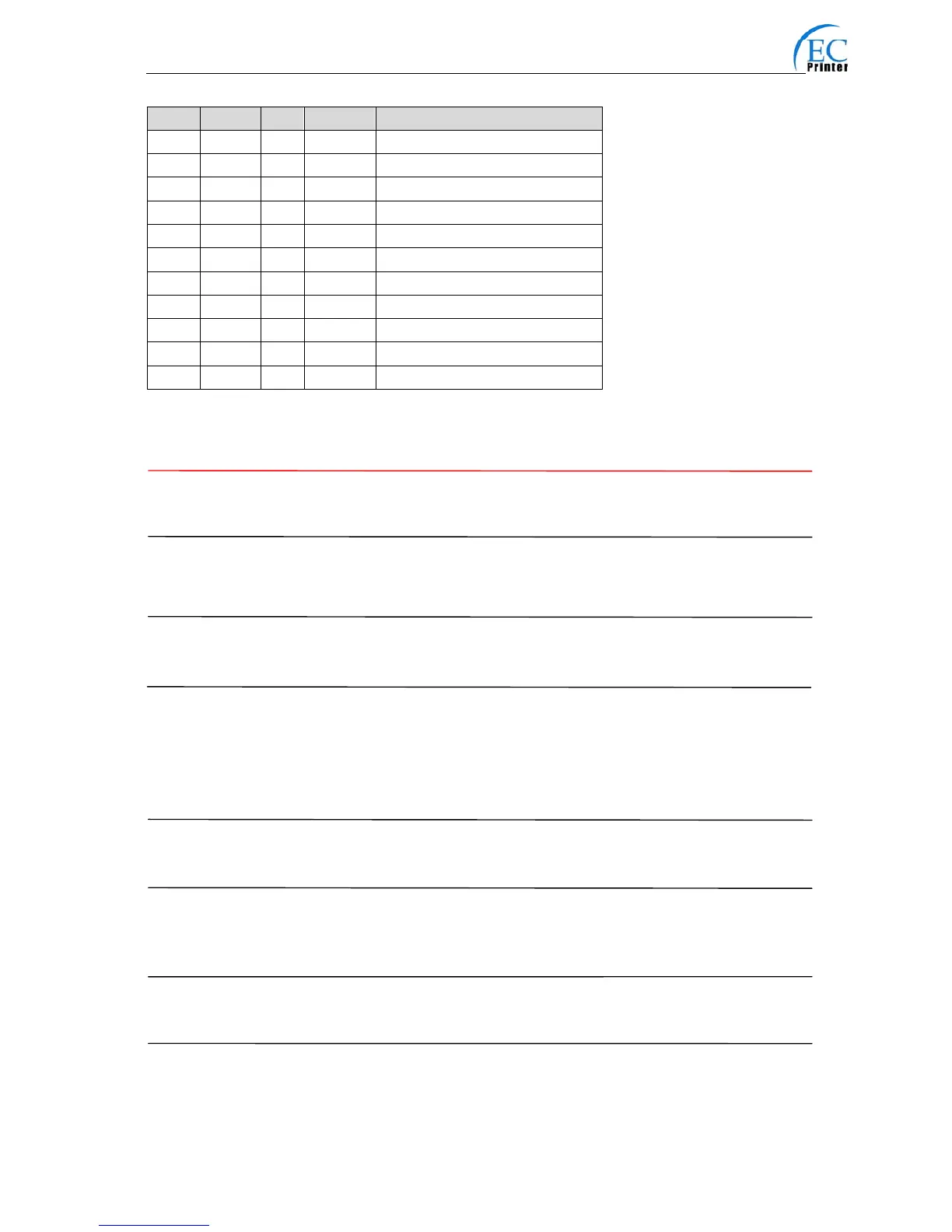
Bit Off/On Hex Decimal Function
0 - - - Not define
1 - - - Not define
2 Off 00 0 Double-width is not selected
On 04 4 Double-width is selected
3 Off 00 0 Double-height is not selected
On 08 8 Double-height is selected
4 - - - Not define
5 - - - Not define
6 - - - Not define
7 Off 00 0 Underline is selected
On 80 128 Underline is not selected



 To Next Page