6
6
20
OPERATION - DOWNLOAD DATA
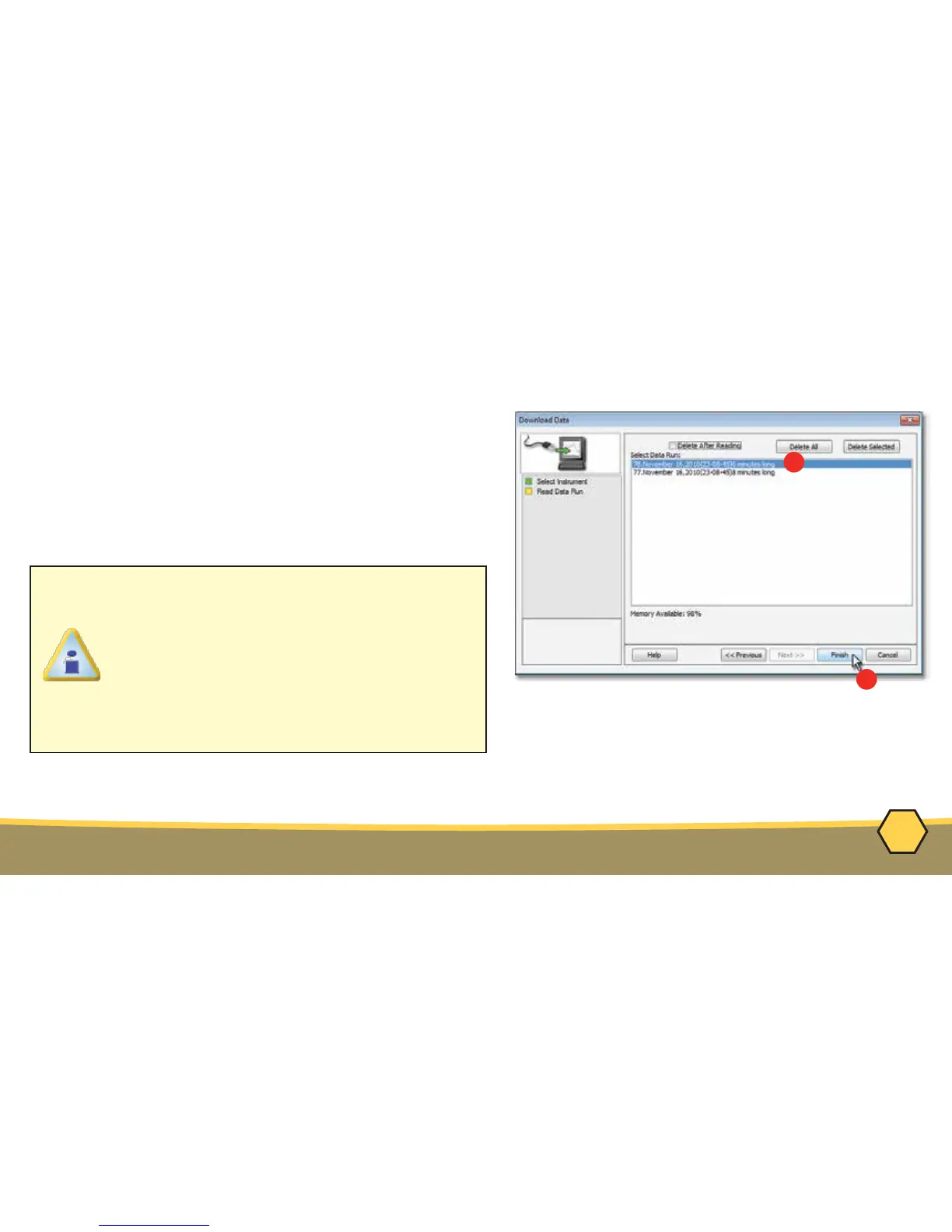
6. Select the desired data run and then click the
Finish command button to complete the wizard
and read the data run from the M.O.L.E.® Profiler.
When the data run has been downloaded, the
software will prompt the user to name and save
the data run file (*.XMG).
The information is automatically saved in the data run file (*.XMG) and the experiment data can
now be analyzed with the software tools.
If a data run (*.XMG) is saved in a different
Environment Folder other than the currently
selected, the software automatically
activates the new Environment Folder. This
process does not delete any data run files in
the previously set Environment Folder and
can be quickly accessed using the Recent
Environment Folders on the File menu.



 To Next Page