3
1
18
OPERATION - DOWNLOAD DATA
Step 3: Download Data
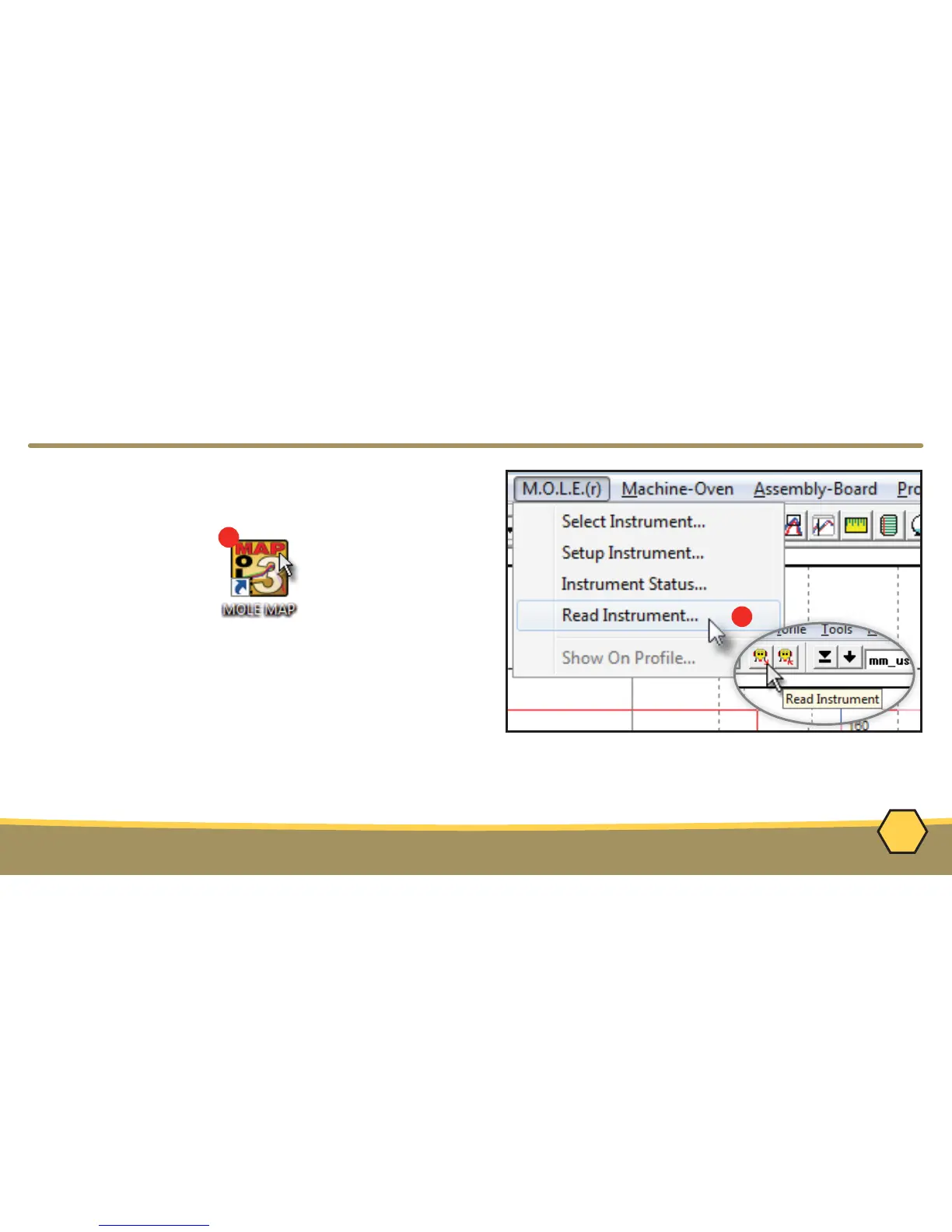
1. Double-click the M.O.L.E.® MAP application
icon to start the software.
2. Connect the M.O.L.E.® Thermal Profiler to
a computer.
3. Select the Read Instrument command from the
M.O.L.E.® menu or toolbar and the workflow
wizard appears.



 To Next Page