8
17
If you remove sensors before the M.O.L.E.® Profiler
has stopped collecting data, it may cause the data to
become distorted.
7. As the M.O.L.E.® and test product emerge from the
process, remove the sensors from and lay the Thermal
Barrier on a table or flat surface.
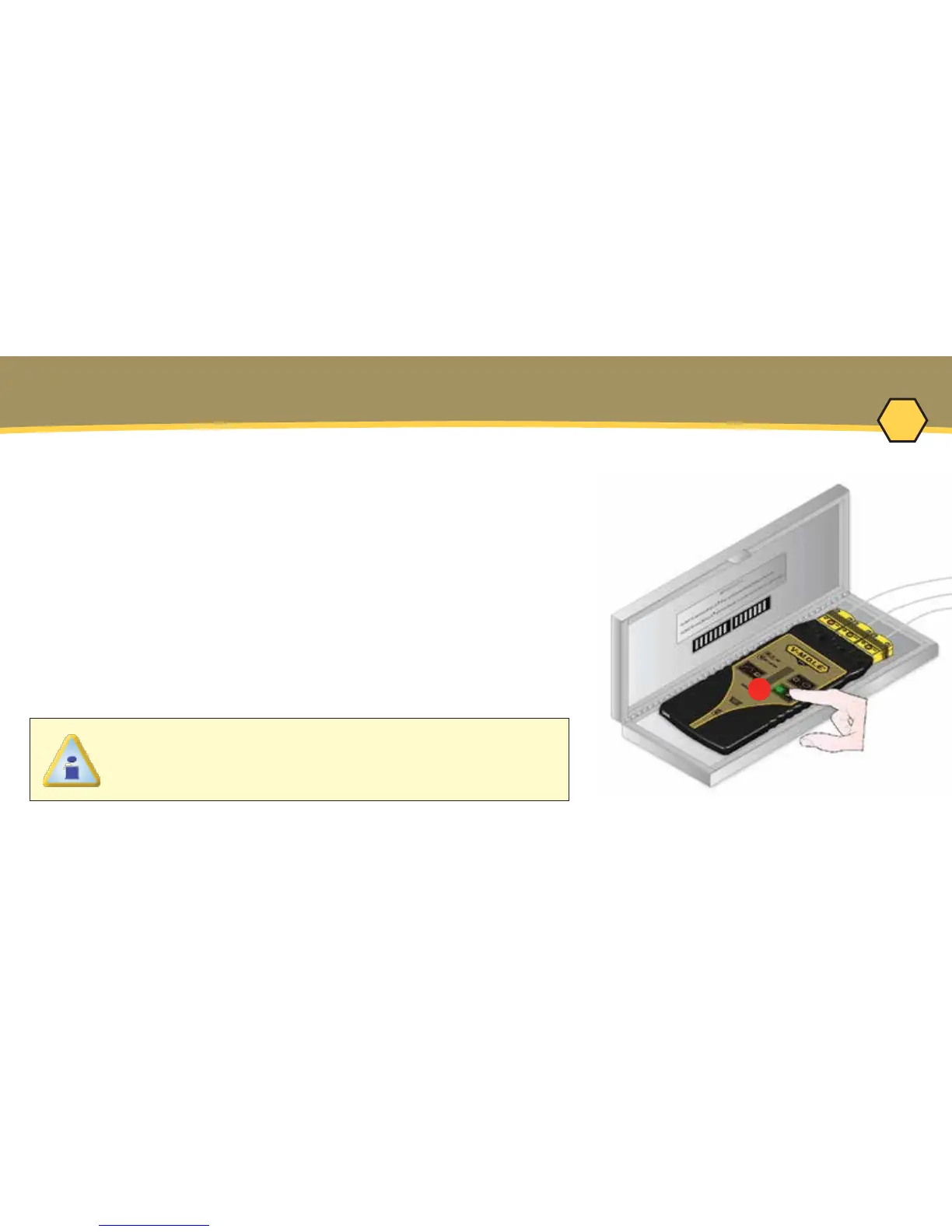
8. Open the Thermal barrier and if the Record button is
still flashing this means the M.O.L.E.® Profiler is still logging
and it should be stopped.
9. Remove the M.O.L.E.® Profiler from the Thermal Barrier
and wait a few minutes for the M.O.L.E.® Profiler to cool.
Handle it carefully, as the case may still be warm.
10. Disconnect M.O.L.E.® Profiler from the sensors and
place it near the PC that has the MAP installed.
OPERATION - DATA COLLECTION



 To Next Page