2
6
SETUP - SOFTWARE INSTALLATION
The user must have administrator permis-
sions for the computer to install the software
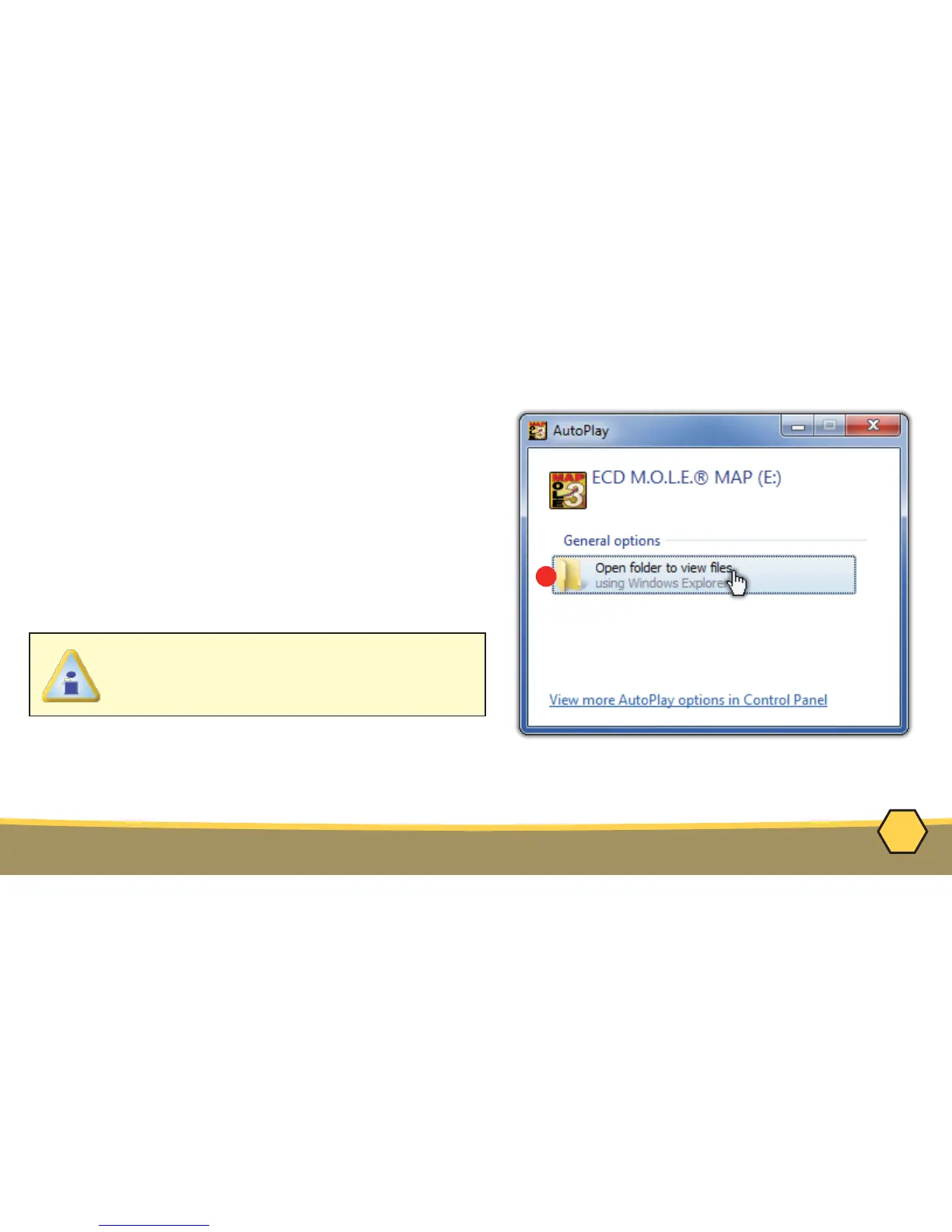
1. Insert the Flash Drive in a USB Port and the
AutoPlay menu appears.
2. Select Open folder to view files button on the
AutoPlay menu to launch Windows® Explorer.
Closely follow the instructions for your operating
system. For detailed information view the
Installation Help file on the Flash Drive.



 To Next Page