4
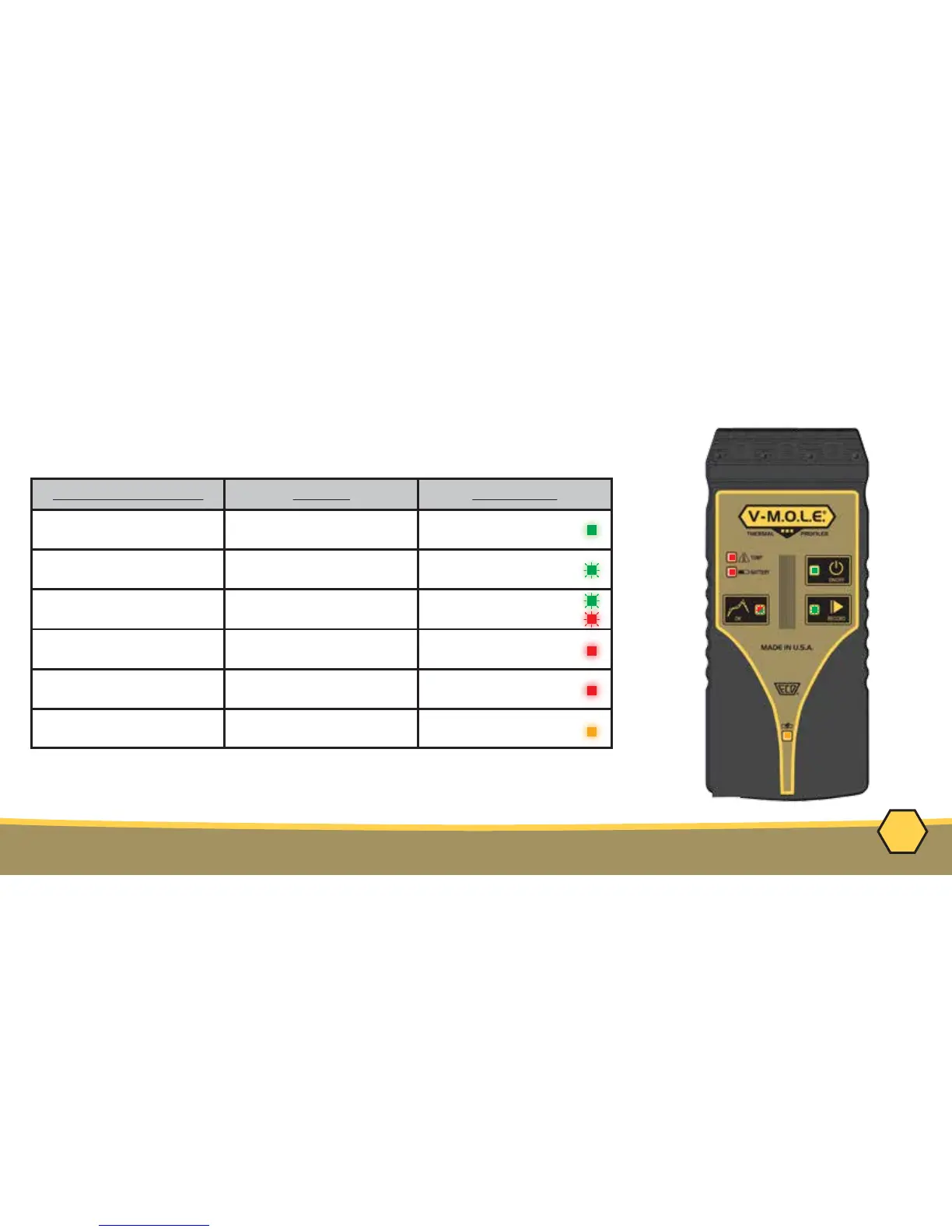
EQUIPMENT - STATUS ACTIVITY LED
Activity Indicator
Action
LED Color
ON/OFF Indicates Proler is "ON"
and idle
Green (Solid)
Record Indicates Proler is
recording data
Green (Flashing)
OK
Indicates recorded prole
passes pre-congured criteria
Green - Pass (Solid)
Red - Fail (Solid)
Temp(erature)
Indicates if internal temp is
at or above a max
Red (Solid) >40°C
Battery
Indicates when the internal
Power Pack voltage is low
Red (Solid) <3.0V
Charge
Indicates when the internal
Power Pack is charging
Yellow (Solid)



 To Next Page