4
5
6
8
SETUP - COMMUNICATIONS
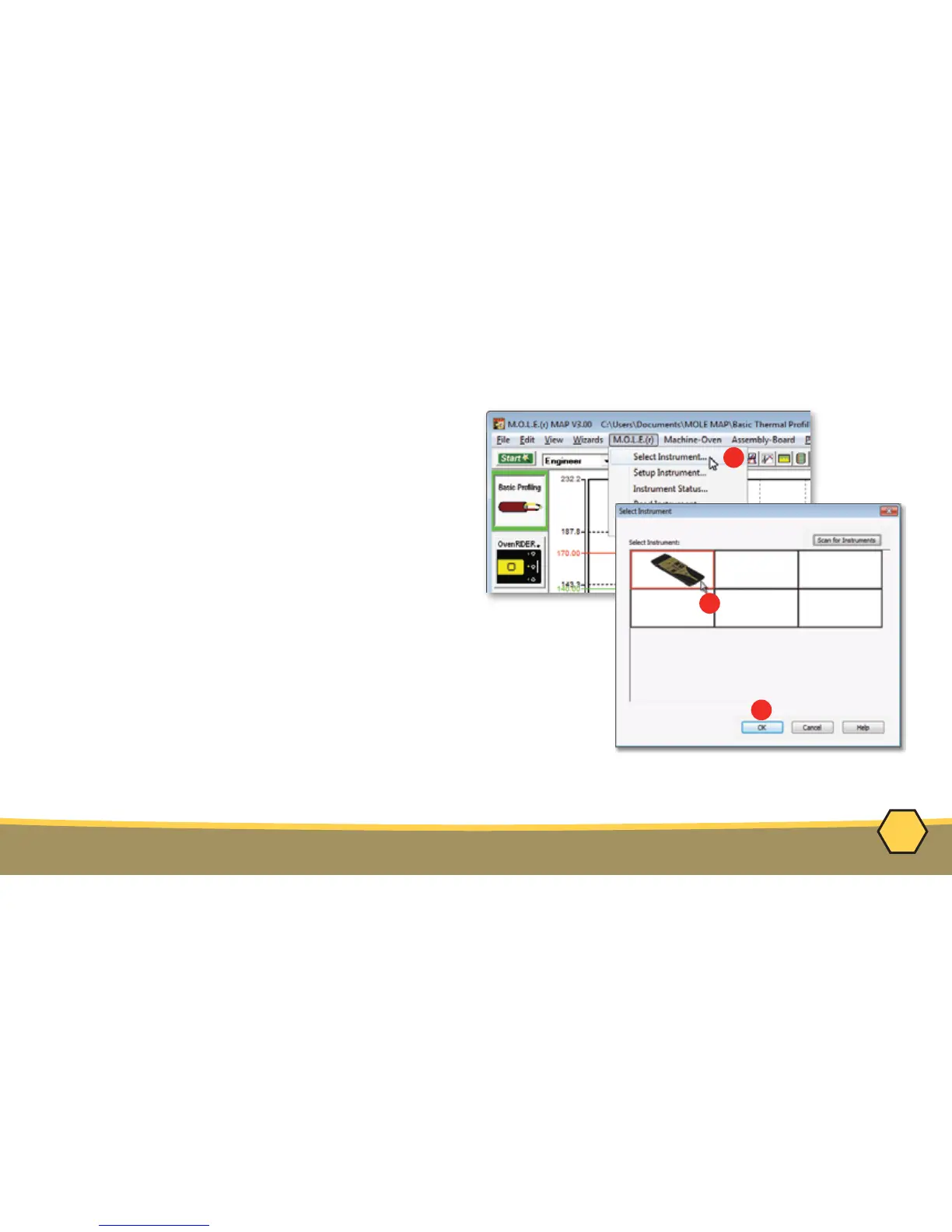
4. On the M.O.L.E.
®
menu, click the
Select Instrument command.
5. Select the desired instrument from the dialog
box. If there are none displayed, click the
Scan for Instruments command button to
detect all available instruments.
6. Click the OK command button to accept.



 To Next Page