EN
41
CONTENT SOURCES
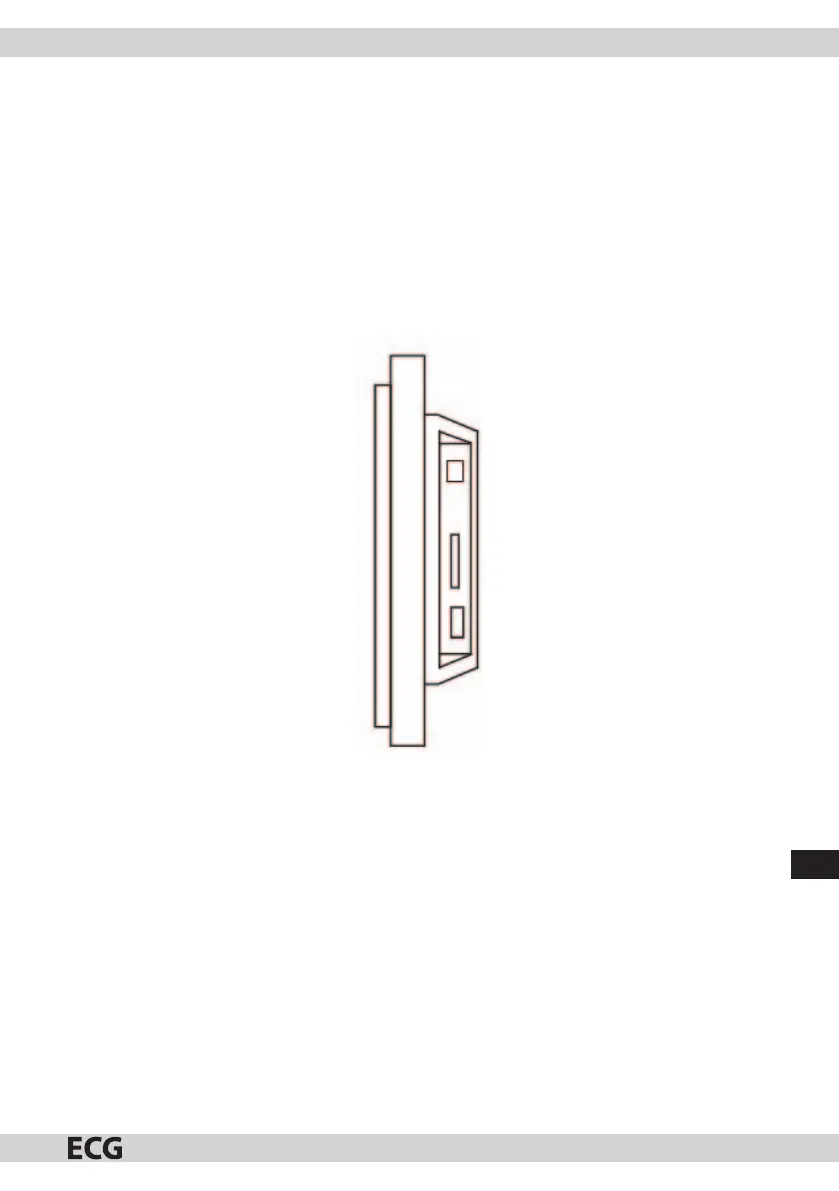
Inserting the memory card
The photo frame is compatible with these media:
• Secure Digital Card (SD)
• Multimedia Card (MMC)
• USB drives
Insert the cards facing you. Do not force the cards into the slots.
If you cannot insert the card easily, you are inserting it the wrong way.
Note
DPF = Digital Photo Frame



 To Next Page