EN
42
LET'S START
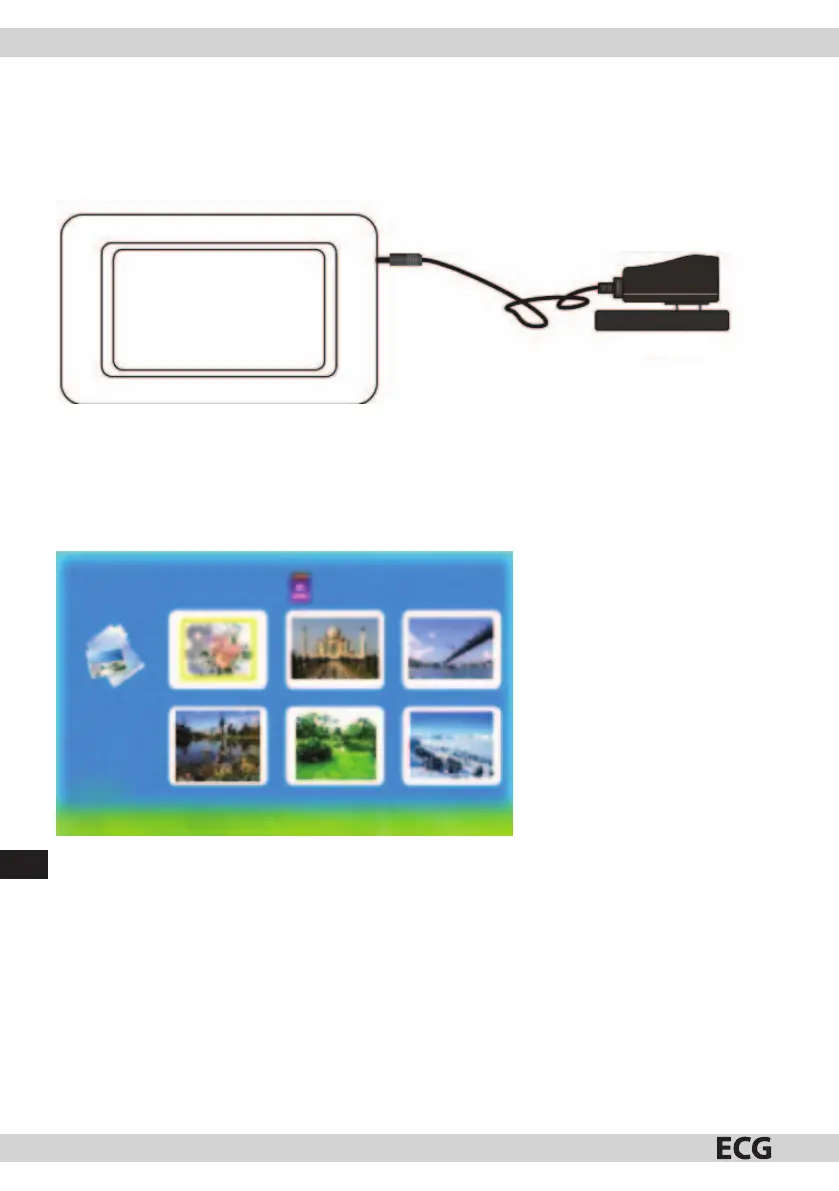
Assemble the stand and set up the photo frame, connect the power cord to the photo frame and then to the
power outlet.
The photo frame will start playing the content: (auto – play of saved photos), after inserting a memory card,
it starts playing its content.
Power supply
Outlet
MEMORY CARD SELECTIONS
The photo frame starts to auto – play the photos from an inserted memory card after it is turned on; otherwise
it will play photos from the internal memory.
Press Exit to return to Photo menu (Pic. 1).
1/80
1932X2576
Title
100_3885
(Pic. 1)



 To Next Page