EN
46
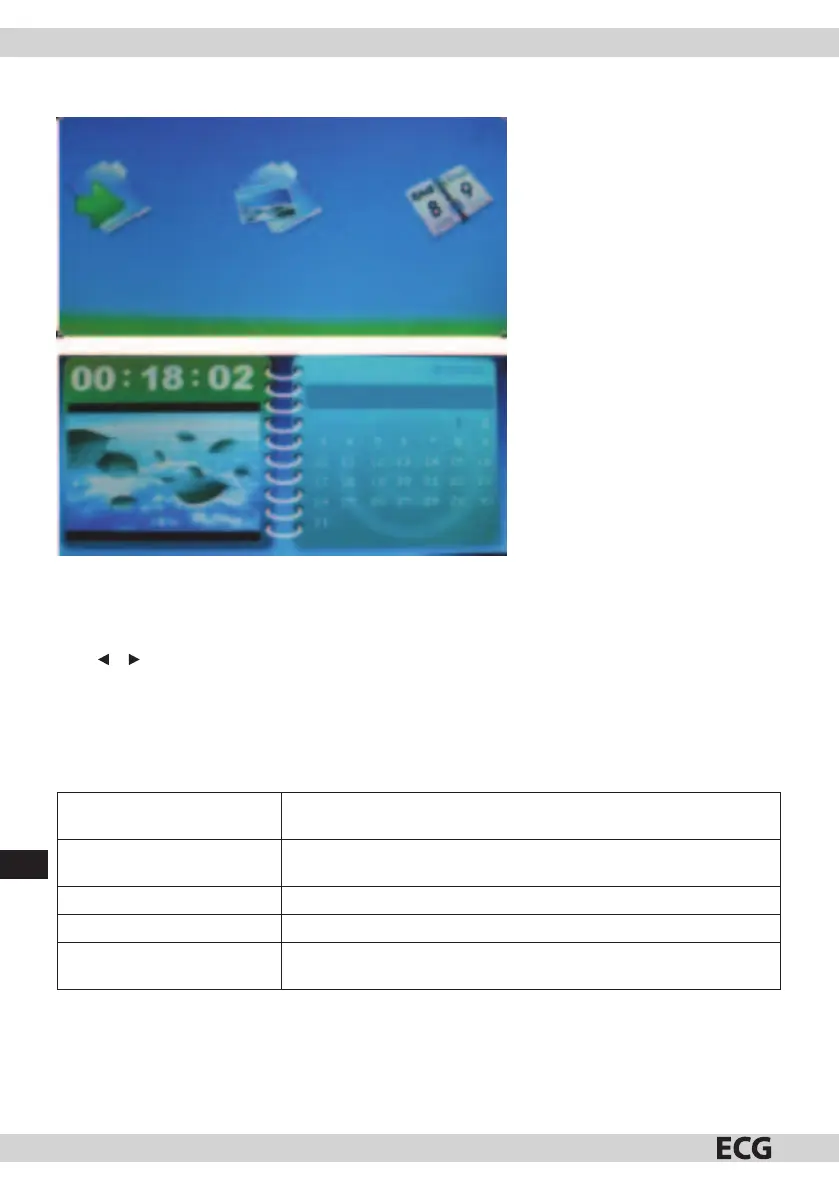
CALENDAR
Calendar
Sun Mon Tue Wed Thu Fri Sat
Fig. 5
Setting system date and time (Pic. 5).
Use
Using or select Calendar in the menu mode. Press ENTER to enter the calendar menu. Besides the current
date, you can use the navigation buttons to display calendar of other years, months and days.
TROUBLESHOOTING GUIDE
If you encounter problems when using the DPF, use this guide. If you need further assistance, contact
technical support.
No power Check if there is power in the outlet and if the power cord is connected
to the photo frame.
The display is too bright or
too dark.
Set brightness and contrast in the menu.
Cannot read the card. Check if the card contains pictures.
Cannot play les. Check if the device can play the used format.
Picture has no colour or little
colour.
Set colours.



 To Next Page