EN
43
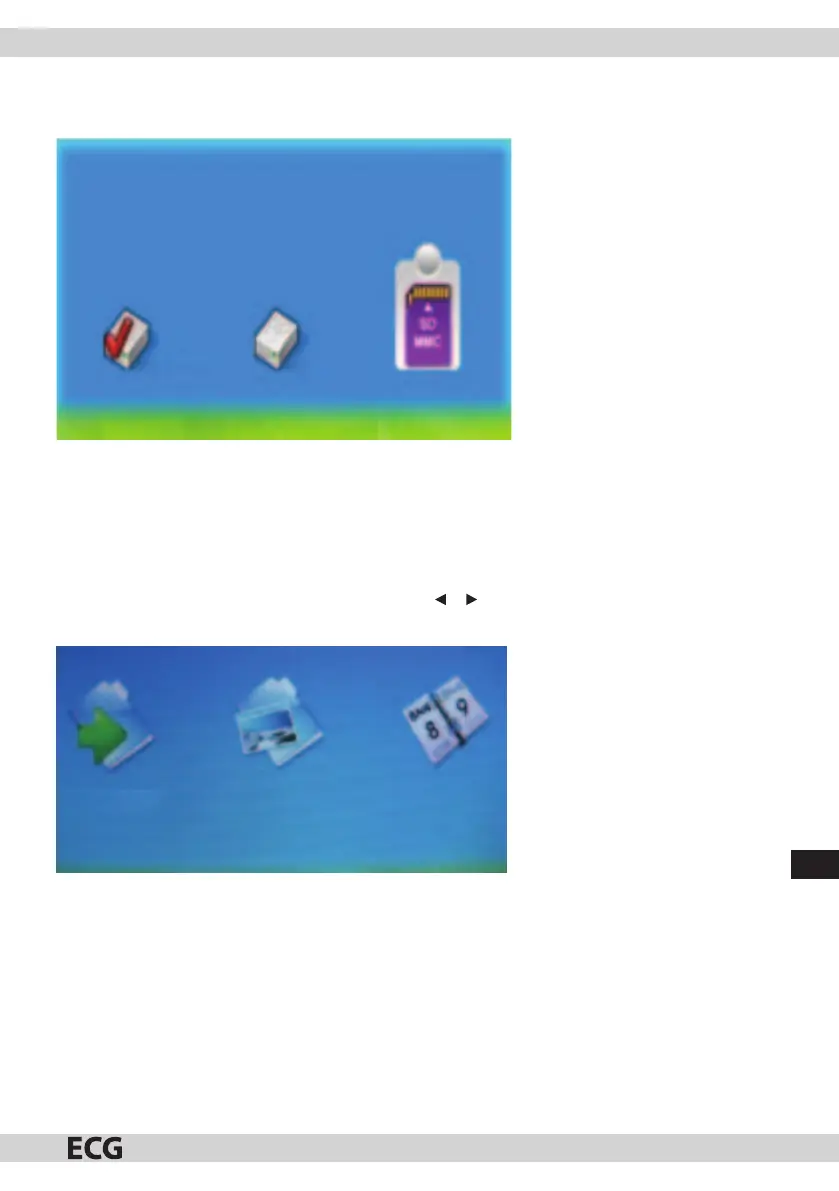
If there is no medium inserted into the photo frame and the memory is empty, it returns to Photo menu. After
inserting the memory card, the device will open the card selection mode (Pic. 2).
Built-in USB
(Pic. 2)
PLAY PHOTOS
After inserting the memory card, the device will open the card selection mode.
Control:
You can select various media in the card selection menu or . Press ENTER after you select a card and then
you can play photos in Slide show or Photo mode (Pic. 3). Press Exit to exit play.
SlideShow
(Pic. 3)



 To Next Page