EN
44
SETUP
Control:
In any menu:
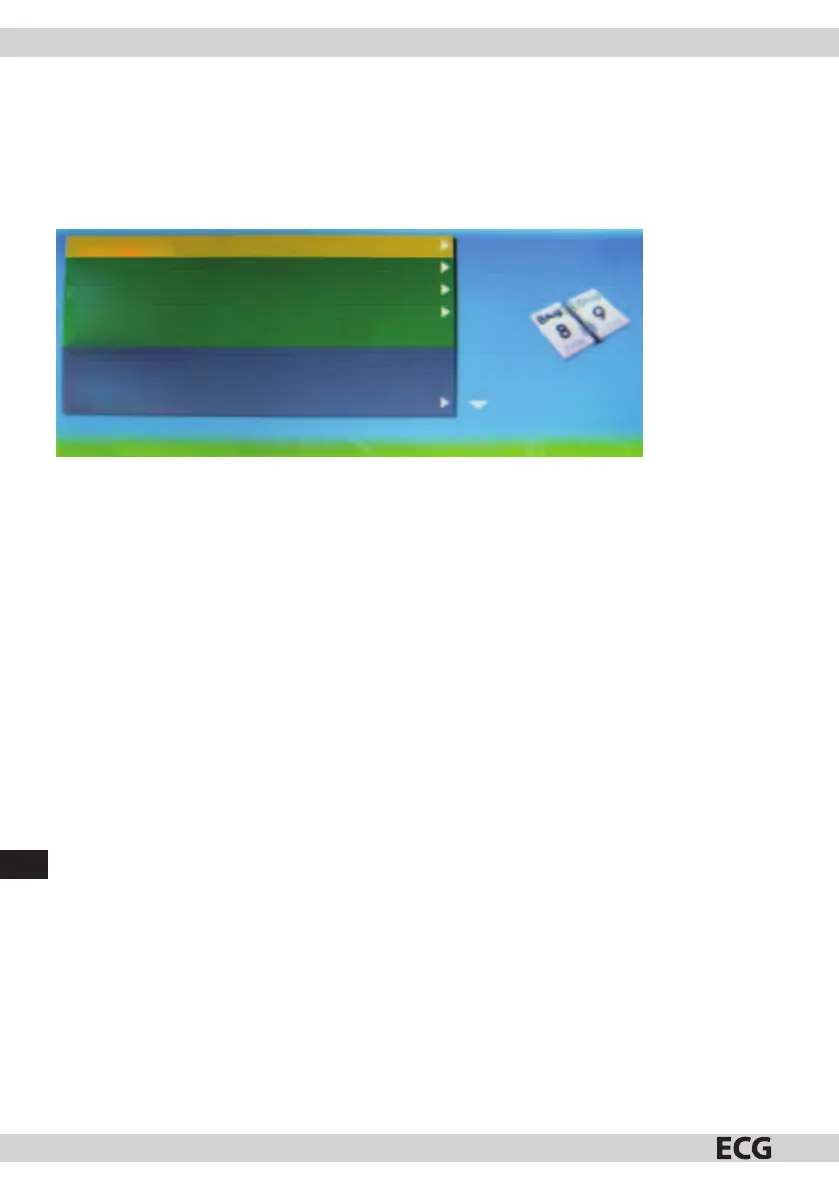
• Press Setup to return to the Setup menu (Pic. 4).
• Press button to select an item.
• Press ENTER to change setup.
Photo size
Slide show effect
Slide Show Interval
Split the slide show
Start the slide show
Rotate
Zoom
Save photo
(Pic. 4)
Photo size
Allows the user to change the manner of the display in the photo frame. Choose between Auto adjustment
and Optimal.
Slide show eect
Allows selection of various transition eects between photos in slide show. You can choose from 8 options:
Random, Split Horizontal in, Split Horizontal out, Blinds, Split Vertical in, Split Vertical out, Radiation, Surround.
Slide Show Interval
Allows to set the speed of the slide show. The interval between photos can be changed from 0 seconds to 1
minute. Press button to change the setup.
Split the slide show
Allows to turn the Split Slide Show on or o.
Start the slide show
Allows to set the start of the slide show.
Rotate
Rotate the photo 90° to the right.
(Works when the photo lls the entire screen)
Zoom
Allows to zoom in and out of the photo.
(Works when the photo lls the entire screen)
Save photo
Saving photos from the memory card to internal memory. (Works when the photo lls the entire screen)



 To Next Page