31
Identifier Name Description
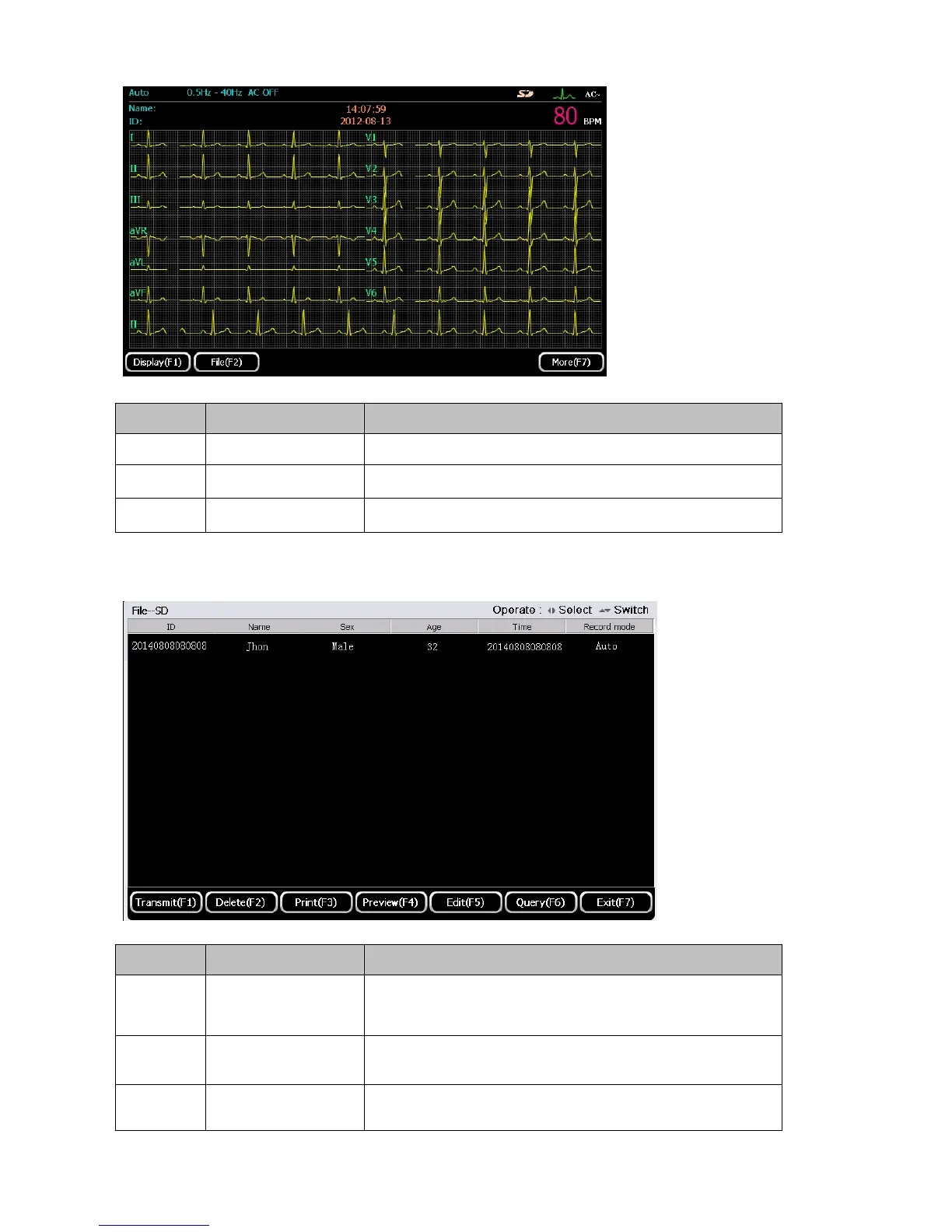
F1 Display
Press【F1】to enter display setup interface, refer to Chapter 5.8
F2 File
Press【F2】to enter file management interface
F7 More
Press【F7】to return to the first page of the main interface
File
Press 【F2】to enter file management interface.
Identifier Name Description
F1 Transmit
Press 【F1】to transmit the file to PC via FTP upload
F2 Delete
Press【F2】to delete the selected file
F3 Print
Press 【F3】to print the selected file



 To Next Page