5
email - gmsupport@echomaster.com (US) - tel - 866-766-2267
Installation Guide
4
email - gmsupport@echomaster.com (US) - tel - 866-766-2267
Illustrations are typical and may not match exact vehicle details.
Removing the Dash
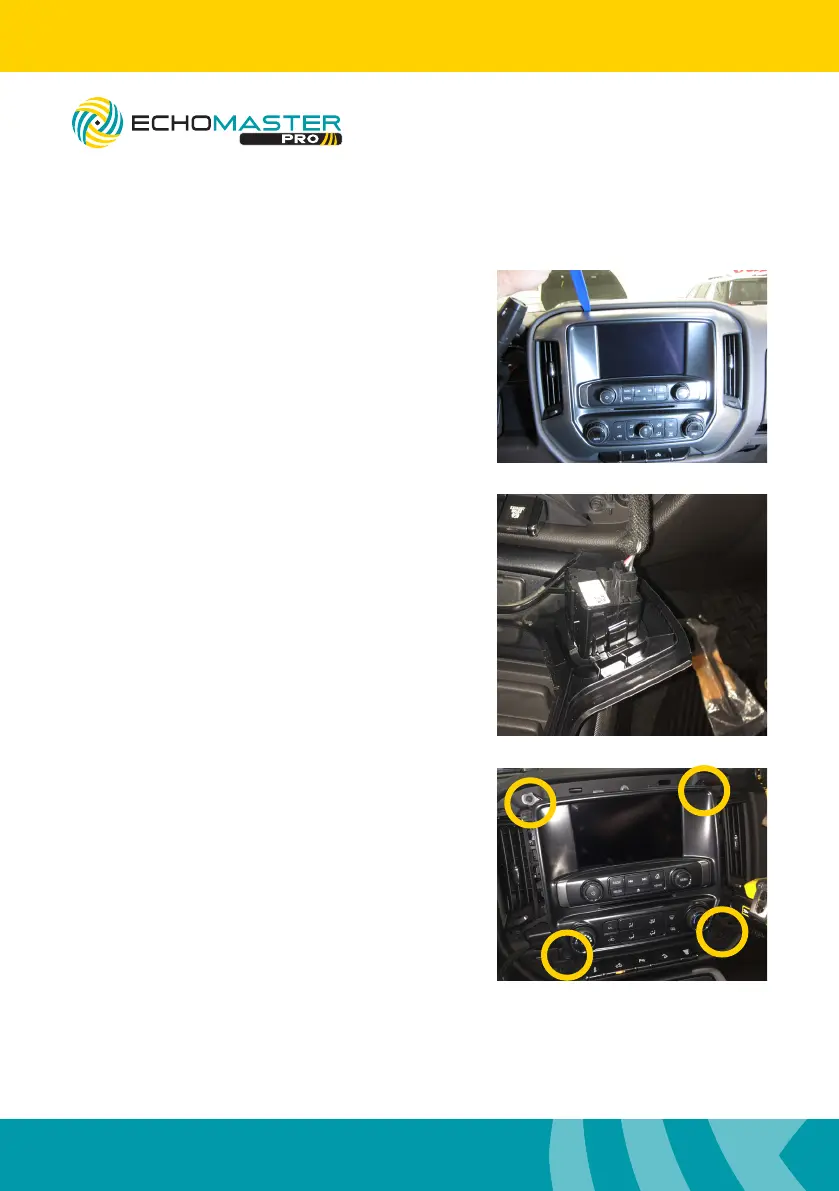
Step 1
Using a plastic dash removal tool, remove
the LCD display trim panel.
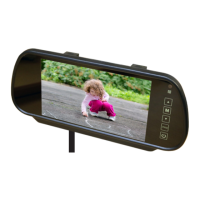
Step 2
If installed, disconnect the heated seat
connector plugs from the back of the
display trim panel.
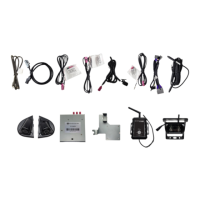
Step 3
Remove the 4 x 7mm bolts from around the
LCD display.
Once the bolts have been removed,
pull the unit from the dash, disconnect the
connectors and set aside.
FC-CHMSL-SIL
Integrated Towing Assistance Package
4” and 8” screens only



 To Next Page