EasyManua.ls Logo

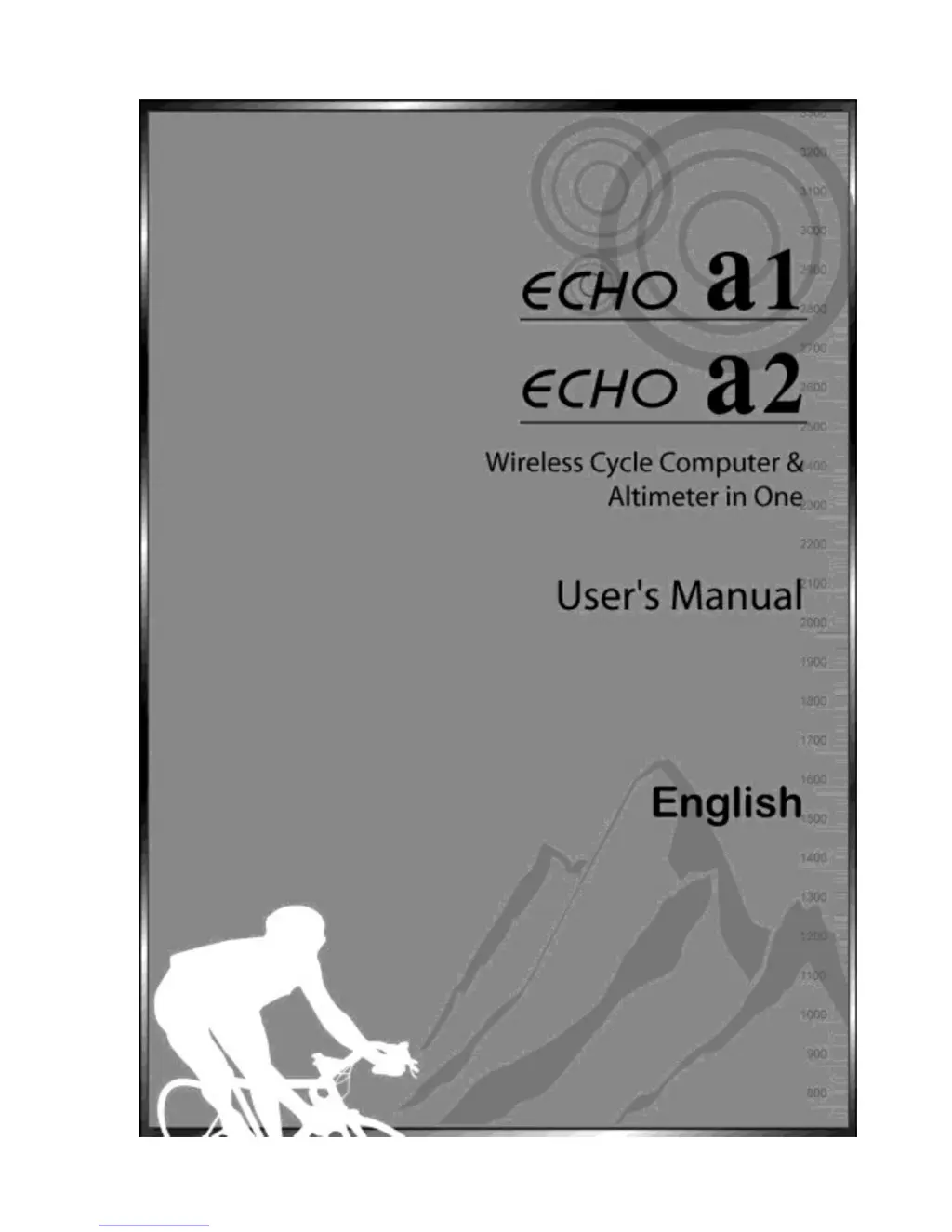
Echowell echo a1 - User Manual

Echowell echo a1
36 pages
Print Icon
To Next Page IconTo Next Page
Loading...
1

Questions and Answers

  • W
    walter15Aug 3, 2025
    How to fix no display on Echowell echo a1 Bicycle Accessories?
    • K
      Kaylee ColeAug 3, 2025
      If there is no display on your Echowell Bicycle Accessories, try the following: * Replace the battery with a new one. * Ensure that the positive pole of the battery faces the battery cap.
  • C
    Corey MarshallAug 8, 2025
    What to do if the low-battery symbol is blinking on my Echowell Bicycle Accessories?
    • A
      Ashley YoungAug 8, 2025
      If the low-battery symbol is blinking on your Echowell Bicycle Accessories, replace the battery in the main unit with a new one.
  • A
    alexdayAug 12, 2025
    Why is the altitude not displayed correctly on my Echowell Bicycle Accessories?
    • S
      stephendixonAug 12, 2025
      If the altitude is not displayed correctly on your Echowell Bicycle Accessories: 1. **Calibration**: Calibrate the altitude before each ride, referring to "Overview of Button Operation". 2. **Air Pressure Hole**: Ensure the hole for measuring air pressure on the bottom of the main unit is clean. Avoid poking anything into it to prevent damage.
  • P
    Patrick RussellAug 17, 2025
    How to fix irregular display on Echowell echo a1?
    • G
      Gregory YoungAug 17, 2025
      If you are experiencing an irregular display on your Echowell Bicycle Accessories, refer to "Main Unit Setup" and initiate the computer again.
  • T
    Thomas PowellAug 21, 2025
    Why is the LCD black on my Echowell echo a1 Bicycle Accessories?
    • D
      Daniel FloresAug 21, 2025
      If the LCD screen on your Echowell Bicycle Accessories is black, and the unit was exposed to direct sunlight for an extended period when not in use, put the main unit in the shade to allow it to return to its normal state.
  • W
    William JacksonAug 25, 2025
    Why is the display slow on my Echowell echo a1 Bicycle Accessories?
    • D
      Denise VelasquezAug 26, 2025
      If the display on your Echowell Bicycle Accessories is slow, and the temperature is at or below 0°C (32°F), the computer will return to its normal state once the temperature rises.
  • J
    Julie AlexanderOct 29, 2025
    Why is the speed not displaying correctly on my Echowell Bicycle Accessories?
    • M
      Michael McdanielOct 30, 2025
      There could be several reasons why the speed is not displayed correctly on your Echowell Bicycle Accessories: 1. **Setting Mode**: Ensure the computer is not in setting mode by completing the setting procedures. 2. **Magnet and Sensor Position**: Check the installation manual to verify that the magnet and sensor are correctly positioned with the proper gap between them. 3. **Wheel Circumference**: Make sure the wheel circumference setting is accurate. Refer to "Wheel Circumference Measurement and Setting" to input the correct value. 4. **Sensing Distance**: Adjust the distance between the main unit and the sensor, or adjust the sensor's angle, as described in the installation manual. 5. **Sensor Battery**: Replace the sensor battery if it's nearly exhausted. 6. **Interference**: Mov...

Summary

Using Your Computer

Wheel Circumference Measurement

Basic Setting & Operation

Initial Setup and Unit Selection

Details main unit initiation, auto-test, and selection of units for measurement.

Battery Replacement

About Altitude Calibration

Bike 1;Bike 2 Selection

Data Reset

Functions

Altitude, Speed, and Distance Functions

Details current altitude, speed, trip distance, and riding time tracking.

Technical Specifications

General Specifications

Precautions

Trouble Shooting

Echowell echo a1 Specifications

General IconGeneral
BrandEchowell
Modelecho a1
CategoryBicycle Accessories
LanguageEnglish

Related product manuals