35
How to operate the tuner
Preset station scan
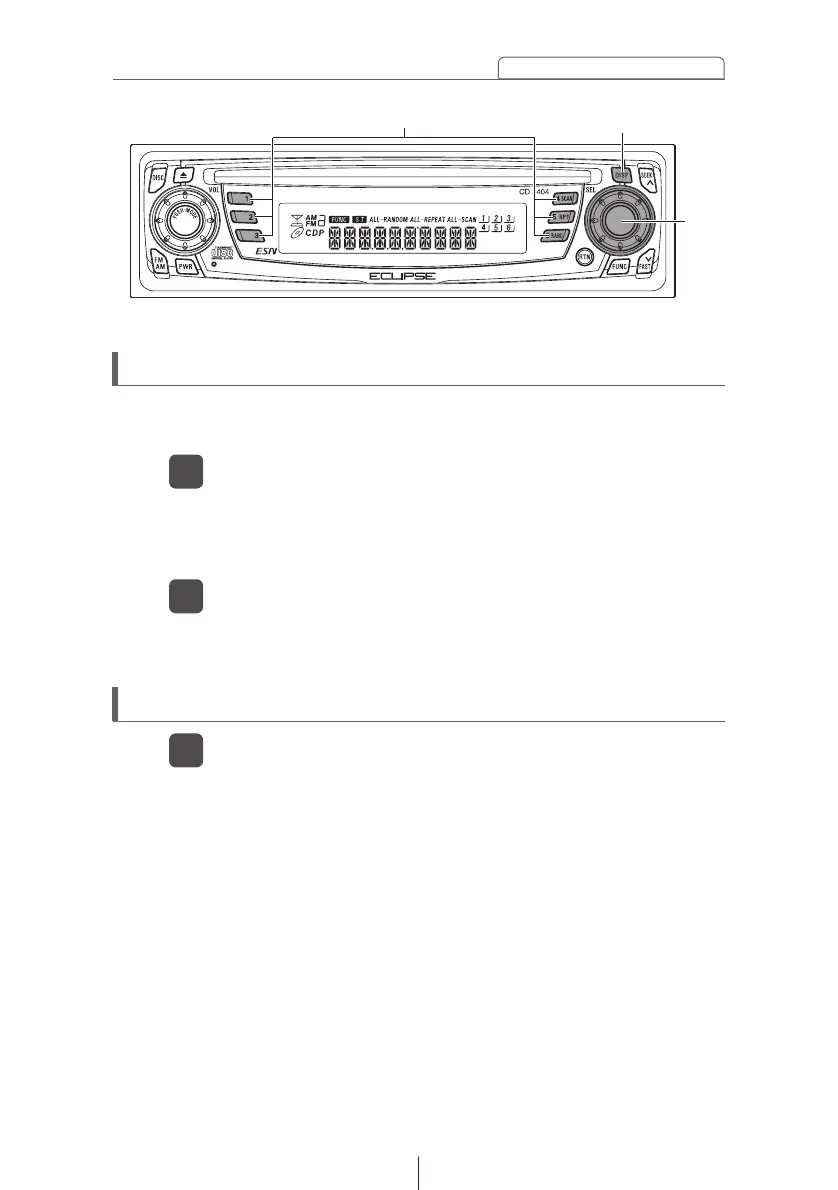
Press the [SEL] button for less than one second.
1
[P SCAN] will appear at the top of the display, and stations
stored under preset buttons [1] through [6] will be played for
five seconds each.
To stop the preset scan mode at a desired station, press
the [SEL] button again.
2
The receiver will stay tuned to the desired station.
This function enables reception of all the stations in the preset
buttons for five seconds each.
Switching the display
Press the [DISP] button.
1
Each press of the button switches the display the clock and
current frequency.
[SEL]
button
Buttons [1] to [6]
[DISP] button



 To Next Page