To prevent accidents, store batteries out of the reach of children.
If a child has swallowed one, consult a doctor immediately.
Replacing the battery
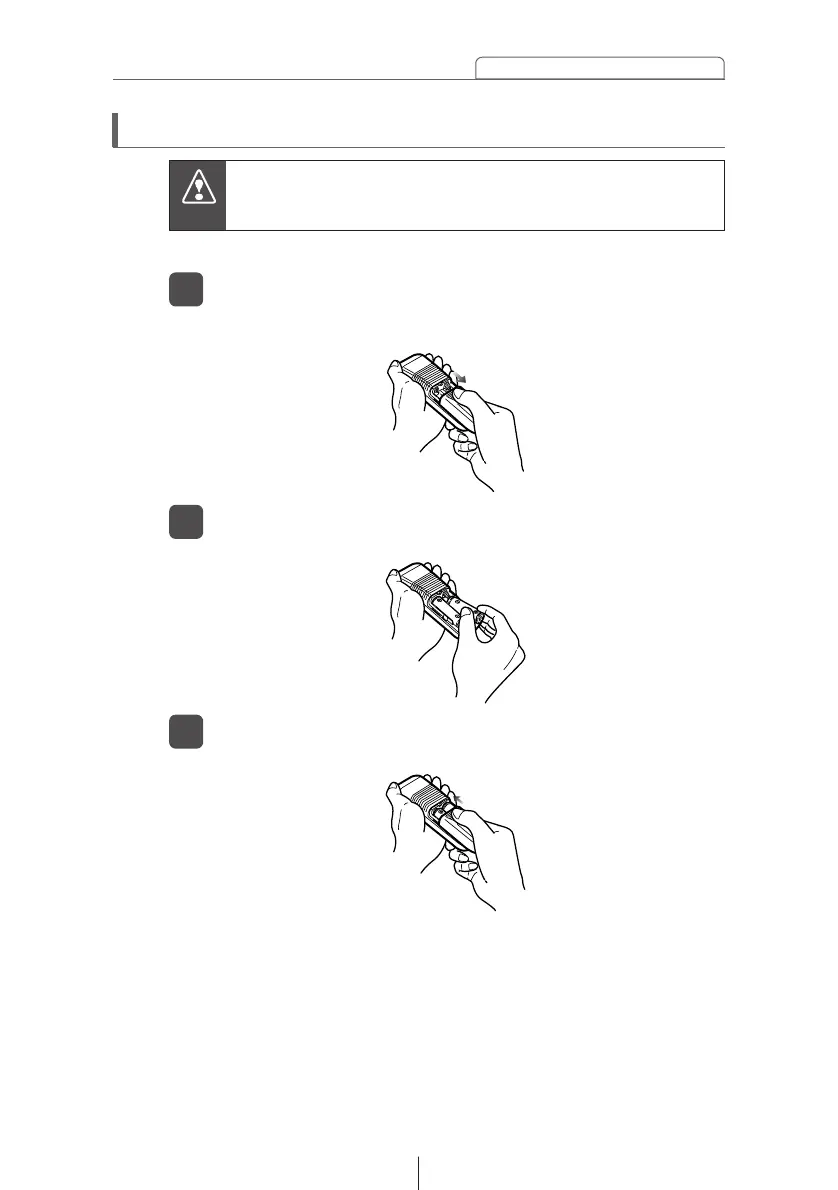
Remove the back cover of the remote control unit by
gently pressing and sliding it in the direction indicated by
the arrow.
1
Use two AA-size batteries.
Install the two batteries provided into the compartment
as illustrated inside the compartment.
2
Return the back cover into place by sliding it in the
direction indicated by the arrow.
3



 To Next Page