EasyManua.ls Logo

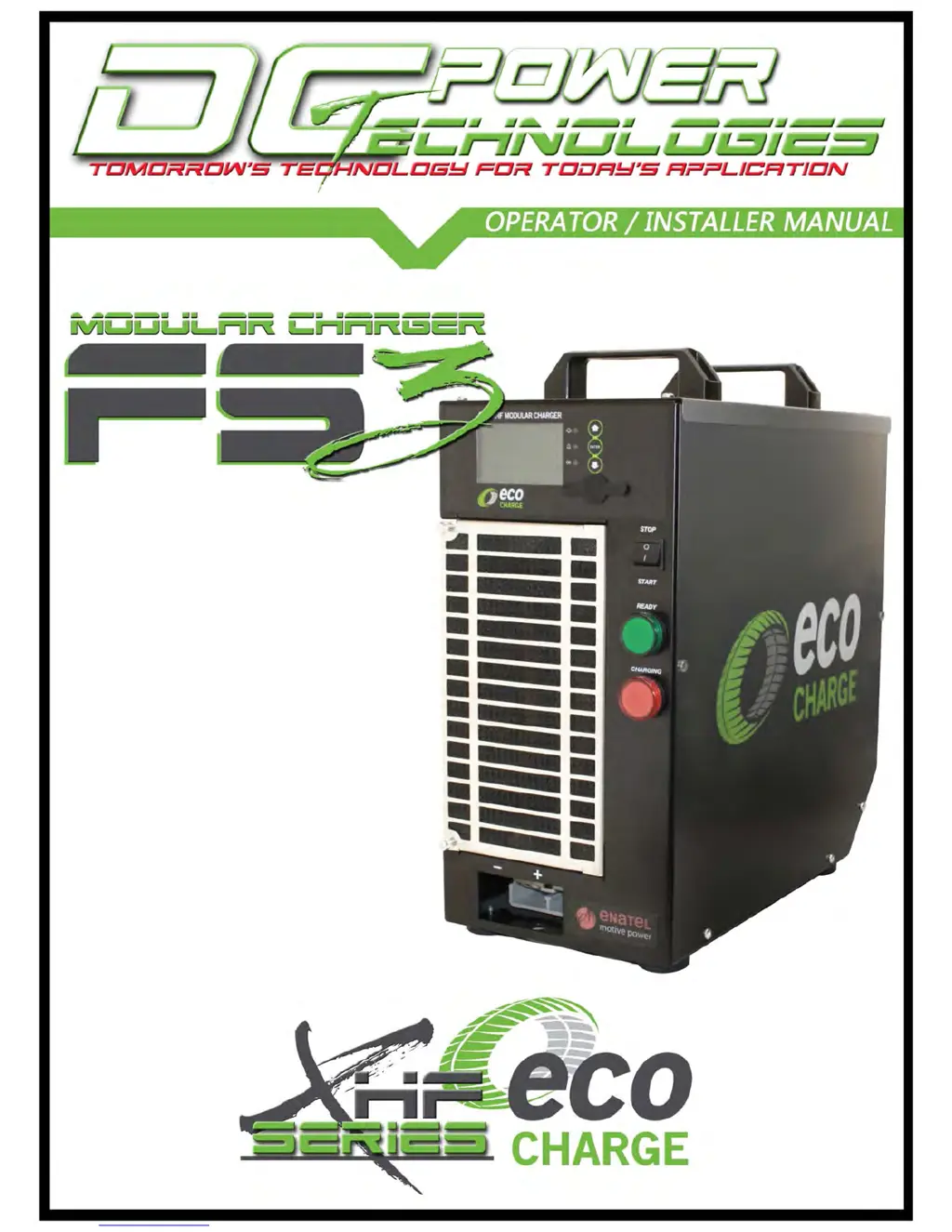
ECO Charge FS3 - User Manual

ECO Charge FS3
29 pages
Print Icon
To Next Page IconTo Next Page
Loading...

Questions and Answers

  • B
    Brandi HernandezSep 3, 2025
    What does 'Low Mains Alarm' mean on ECO Charge Battery Charger?
    • J
      Jason GriffithSep 4, 2025
      The 'Low Mains Alarm' on the ECO Charge Battery Charger indicates that the AC mains supply is low or charger modules may be overloaded. Check the charger configuration to ensure it suits the application.
  • M
    Mr. Kenneth WilsonSep 2, 2025
    What to do if ECO Charge Battery Charger shows 'Non-Urgent Module Fail Alarm'?
    • R
      Rodney ShawSep 2, 2025
      If the ECO Charge Battery Charger displays a 'Non-Urgent Module Fail Alarm', it means a charger module is not providing output, but there is capacity to charge at a reduced rate. Replace the faulty charger module(s).
  • E
    Eric ColeAug 31, 2025
    What to do if ECO Charge Battery Charger shows 'Urgent Module Fail Alarm'?
    • C
      Carla WhiteAug 31, 2025
      If the ECO Charge Battery Charger displays a 'Urgent Module Fail Alarm', it means faulty charger modules are affecting the ability of the charger to charge the battery. Replace the faulty charger module(s).
  • L
    Lisa ValdezAug 29, 2025
    What to do if ECO Charge Battery Charger indicates 'Over Discharged Battery'?
    • D
      David DurhamAug 29, 2025
      If the ECO Charge Battery Charger displays an 'Over Discharged Battery' message, it means the battery is less than 1.9Vpc at connection but recovers within 30 seconds of charge. This is typically due to the battery being quickly unplugged from the truck and plugged onto the charger without allowing the battery to recover. Regular occurrences might need investigation of work practices.
  • M
    Mr. Brandon HernandezAug 28, 2025
    What to do if ECO Charge Battery Charger indicates 'Deeply Discharged Battery'?
    • K
      Kelly JenkinsAug 28, 2025
      If the ECO Charge Battery Charger displays a 'Deeply Discharged Battery' alarm, it means the battery is still less than 1.9Vpc after 30 seconds of charge. Check the battery for faults.
  • R
    Raymond YatesAug 26, 2025
    What to do if ECO Charge Battery Charger has a configuration error?
    • F
      Frances SmithAug 26, 2025
      If the ECO Charge Battery Charger displays a 'Configuration Error', it means the charger cannot provide the target output current. Check that the controller configuration matches the quantity of power modules installed, and add charger modules if necessary.
  • K
    Kimberly TaylorAug 25, 2025
    What to do if ECO Charge Battery Charger says 'Battery Disconnected'?
    • W
      William HigginsAug 25, 2025
      If the ECO Charge Battery Charger displays a 'Battery Disconnected' error, it means the battery has been disconnected mid charge cycle. If there's a need to disconnect the battery mid-charge cycle, remind the operator to first set the front panel toggle switch to STOP.
  • N
    Nancy AndrewsAug 22, 2025
    What to do if ECO Charge Battery Charger says 'Incorrect Battery'?
    • D
      Dylan ManningAug 23, 2025
      If the ECO Charge Battery Charger displays a 'Incorrect Battery' alarm, it means the battery voltage is not correct for the charger. You should check that the charger configuration matches the battery and that the operator is not trying to plug an incorrect battery type onto the charger.

Summary

Warnings

General Safety Precautions

Essential safety guidelines for handling batteries and chargers, including fire, explosion, and electrical hazards.

Location and Mounting

Recommended Charger Location

Guidance on placing the charger on a shelf for protection against accidental contact with lift trucks.

Mounting Bracket Options

Details for base, side, and rear mounting configurations using provided brackets and fasteners.

Installation and Configuration

AC Input and Busbar Connection

Information on charger models, supply phase, DC output, voltage, and AC supply requirements.

AC Filter Board Configuration Steps

Step-by-step guide for configuring the AC filter board for single and three-phase power connections.

AC Filter Board Busbar and AUX Connections

Details on busbar selection for different configurations and AUX power supply connections.

FS3 Block Diagram

Operating Instructions

Charger Operation Procedure

Step-by-step guide for connecting, starting, charging, and disconnecting the battery from the charger.

Front Panel Interface

Front Panel Components and Display

Description of the controller display, push buttons, USB port, and start/stop rocker switch.

Indicator Lights and Operational States

Explanation of READY/CHARGING lights and different display messages during operation.

Charger Configuration Settings

Charge Profiles and Amp Hr Ranges

Details on conventional and opportunity charge profiles, and compatible amp hour ranges for battery types.

Battery Types, Environments, and Equalize Settings

Information on supported battery types, environmental configurations, and equalize charge settings.

Charger Alarms

Charger Alarm Categories and Causes

Overview of charger alarms like Main Switch, Inlet Filter, Low Mains, Module Fail, and Temperature issues.

Specific Charger Alarm Conditions

Detailed explanation of urgent alarms like Configuration Error, Output Fuse, No Output Current, and communication failures.

Battery Alarms

Battery Status and Type Alarms

Covers alarms for Over Discharged, Deeply Discharged, Sulphated, and Incorrect Battery types.

Battery Charge Cycle Alarms

Details on timeouts, disconnections, reversed polarity, voltage, temperature, and current threshold alarms during charging.

Troubleshooting

Charger System Troubleshooting

Solutions for issues with Main Switch, Inlet Filter, Low Mains, Modules, Configuration, and Fuses.

Battery Related Troubleshooting

Solutions for battery discharge, type, timeouts, disconnection, and polarity problems.

Exploded View

Maintenance and Service

Maintenance and Service Interval

Guidance on monitoring the air inlet filter and general maintenance for optimal charger performance.

Service and Warranty Policy

Procedures for handling alarms and details of the product warranty terms.

Specifications

Cabinet and Module Specifications

Details on dimensions, weight, AC input voltage, operating range, and efficiency.

Output, Environmental, and Compliance Specs

Information on DC output, environmental requirements, and product compliances.

Contact Information

ECO Charge FS3 Specifications

General IconGeneral
BrandECO Charge
ModelFS3
CategoryBattery Charger
LanguageEnglish