12.11 DISPLAY INTERFACE
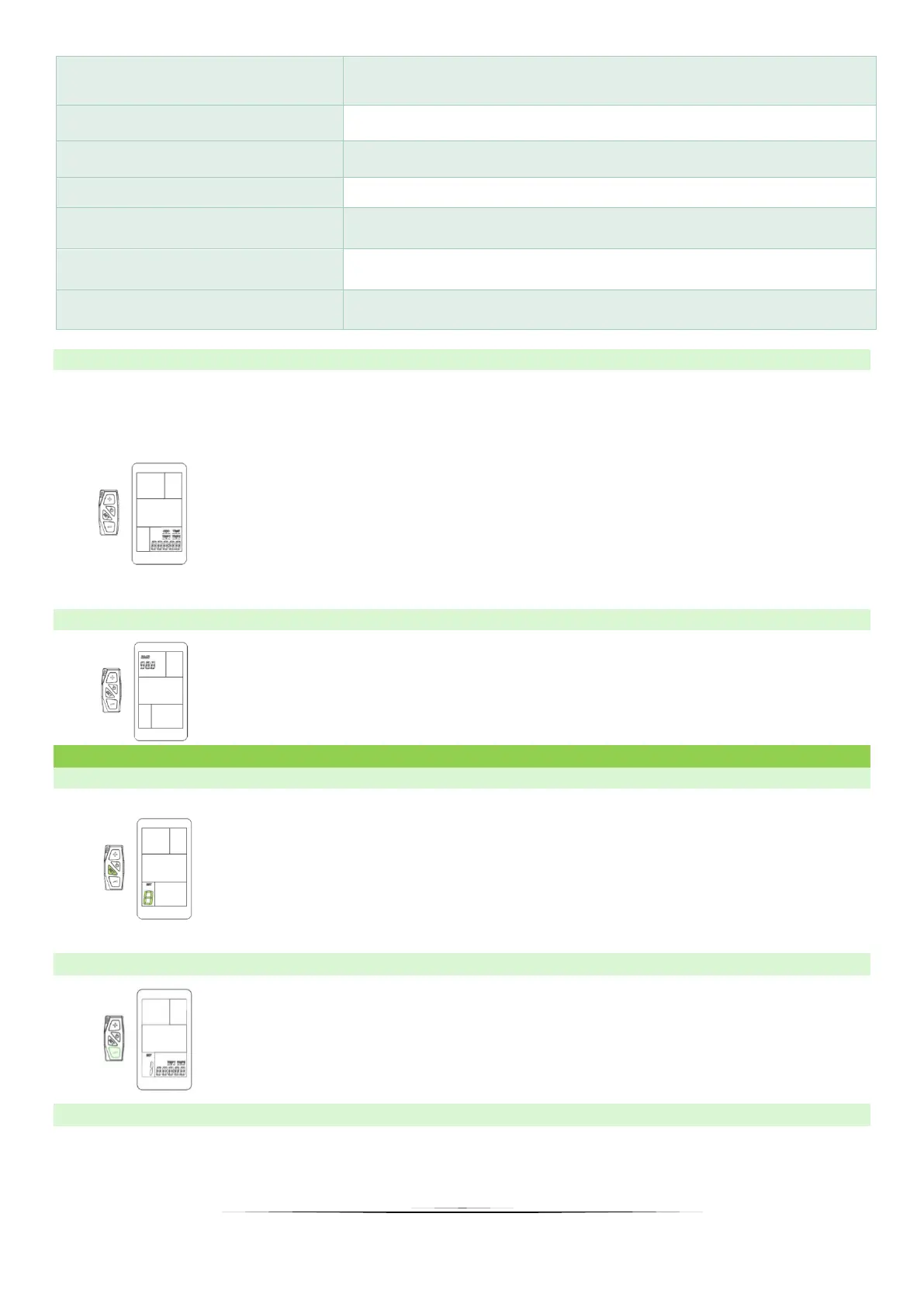
The display shows four cycling parameters (ODO; TRIP 1; TRIP 2 and TIME). To change
displayed information, use the "SET" button, then the selected information will be displayed
in turn.
➢ ODO – Odometer
➢ TIME – Trip time indication
➢ TRIP 1 – Trip distance indication. Use DOWN button to reset.
Over 500 km the TRIP 1 resets automatically.
➢ TRIP 2 – Last trip distance indication. Resets automatically each
next trip.
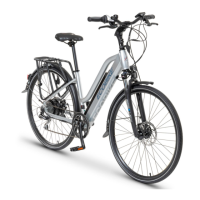
12.12 BMS (BATTERY MANAGING SYSTEM) INDICATION
The BMS indicator display the exact voltage of the battery. BMS
indication is more precise than battery SOC indicator. When 42V
the battery is full. 36V indicates discharged battery.
13. USER SETTINGS
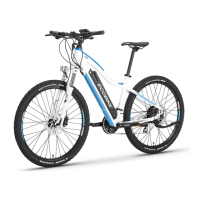
13.1 SETTINGS MENU
Hold the "SET" button for 3 seconds to enter the setting interface,
then the number 1 will appear, the display will flash at a frequency
of 1 Hz. By clicking the SET button you will switch from one to four
rotationally.
13.2 SETTING 1: TRIP 1 RESETING
Follow steps from point 14.1 and go to setting 1, then click MINUS
to delete TRIP 1.
13.3 SETTING 2: MOTOR POWER SETTINGS – POWER/NORMAL/ECO.
Follow steps from point 14.1 and go to setting 2, then click the MINUS or the PLUS button to
select the appropriate motor setting.


 To Next Page