5
3.3. VOLTAGE SETTING
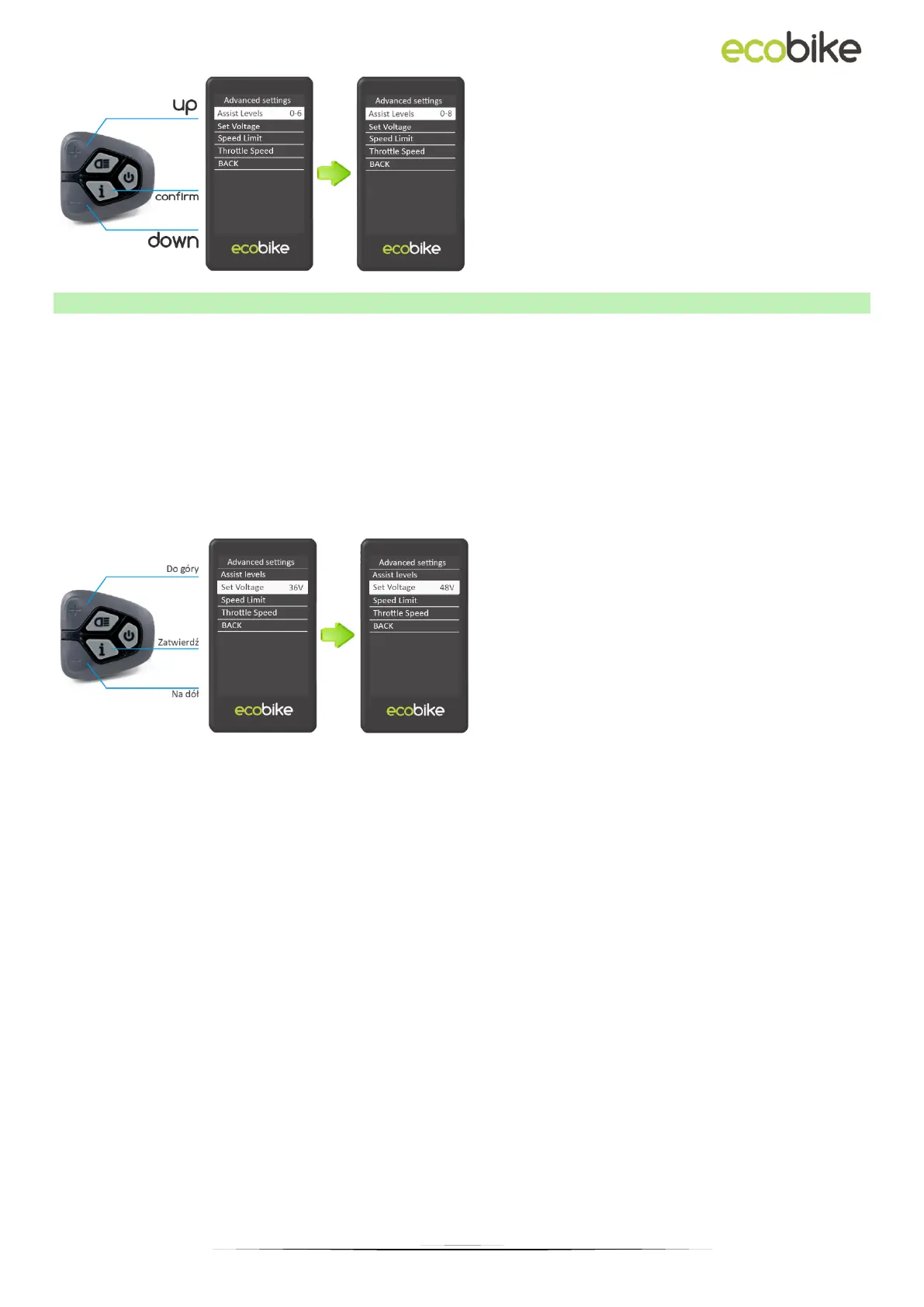
Set Voltage indicates the battery voltage bar (battery level) settings. Enter 5 voltage values
one after the other. For example, VOL 1 is the first stage voltage value. The default value is
41.5 V.
To set the battery voltage bar, press the "+" or "-" button to increase or decrease the value.
To save the changed setting and access the second bar, press the "i" button.
After entering 5 voltage values, press the "i" button to confirm and save the settings.
If no operation is performed for one minute, the display will close the settings menu
automatically.



 To Previous Page